The reading journal you'll actually keep
Log what you read and where you stopped. Over time it adds up to a record worth keeping.
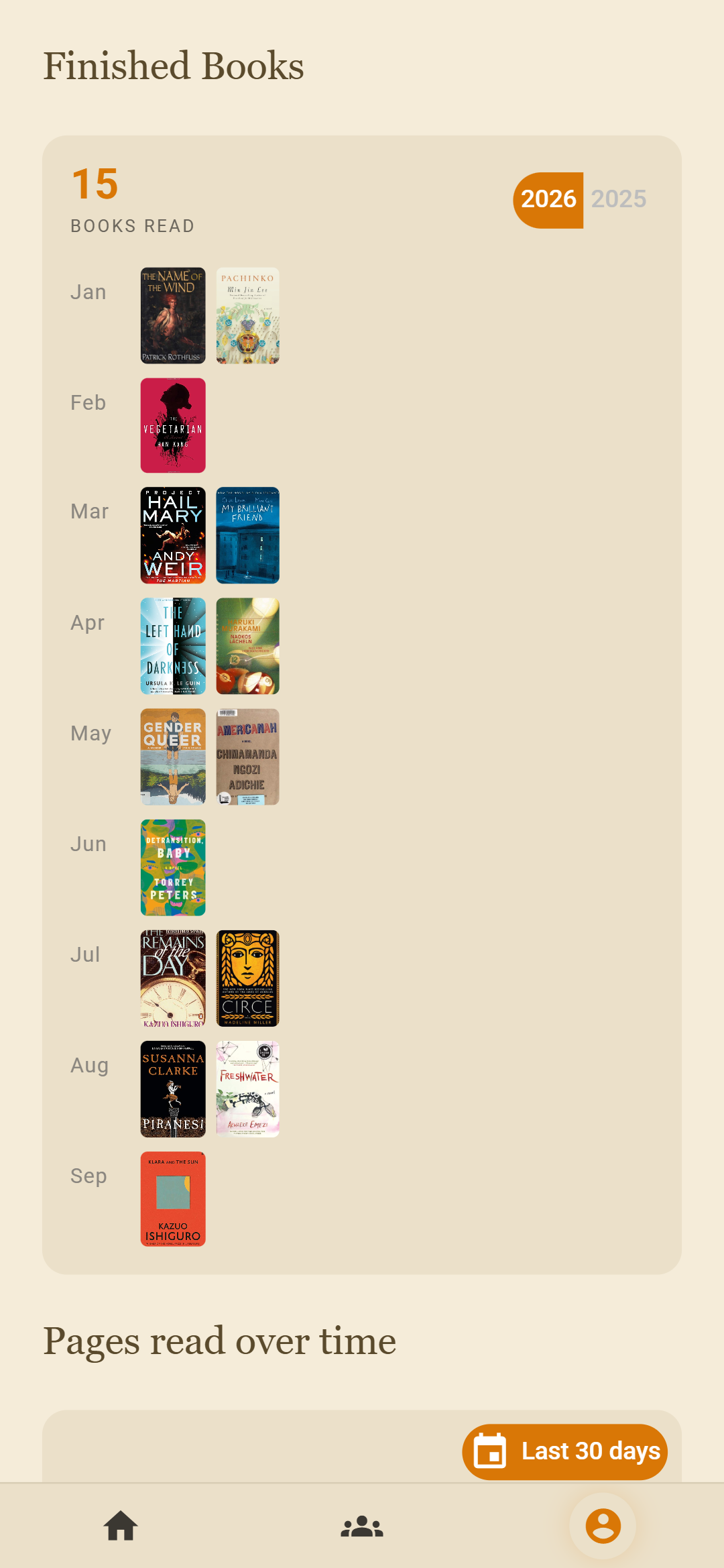
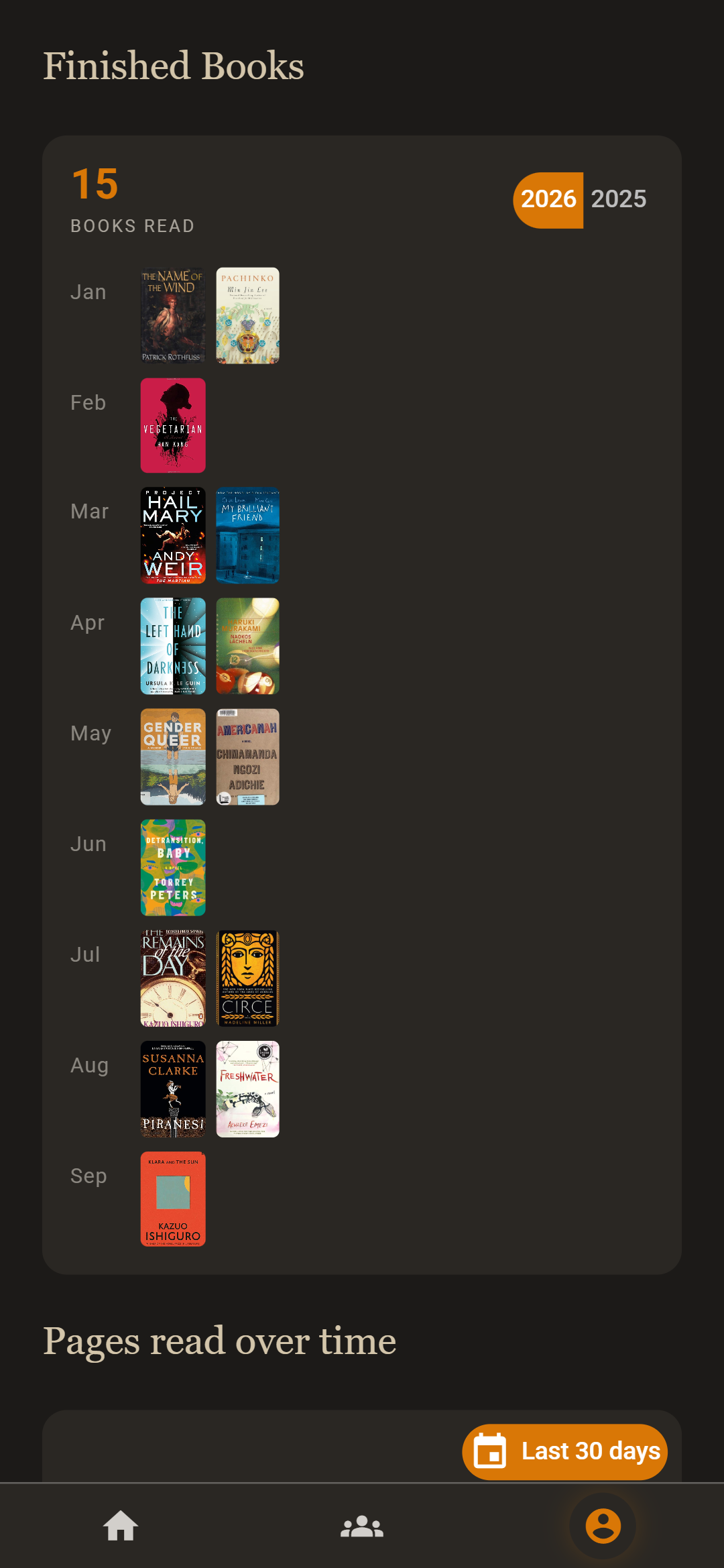
- A year of reading, month by month: each book you finish lands in a calendar of covers.
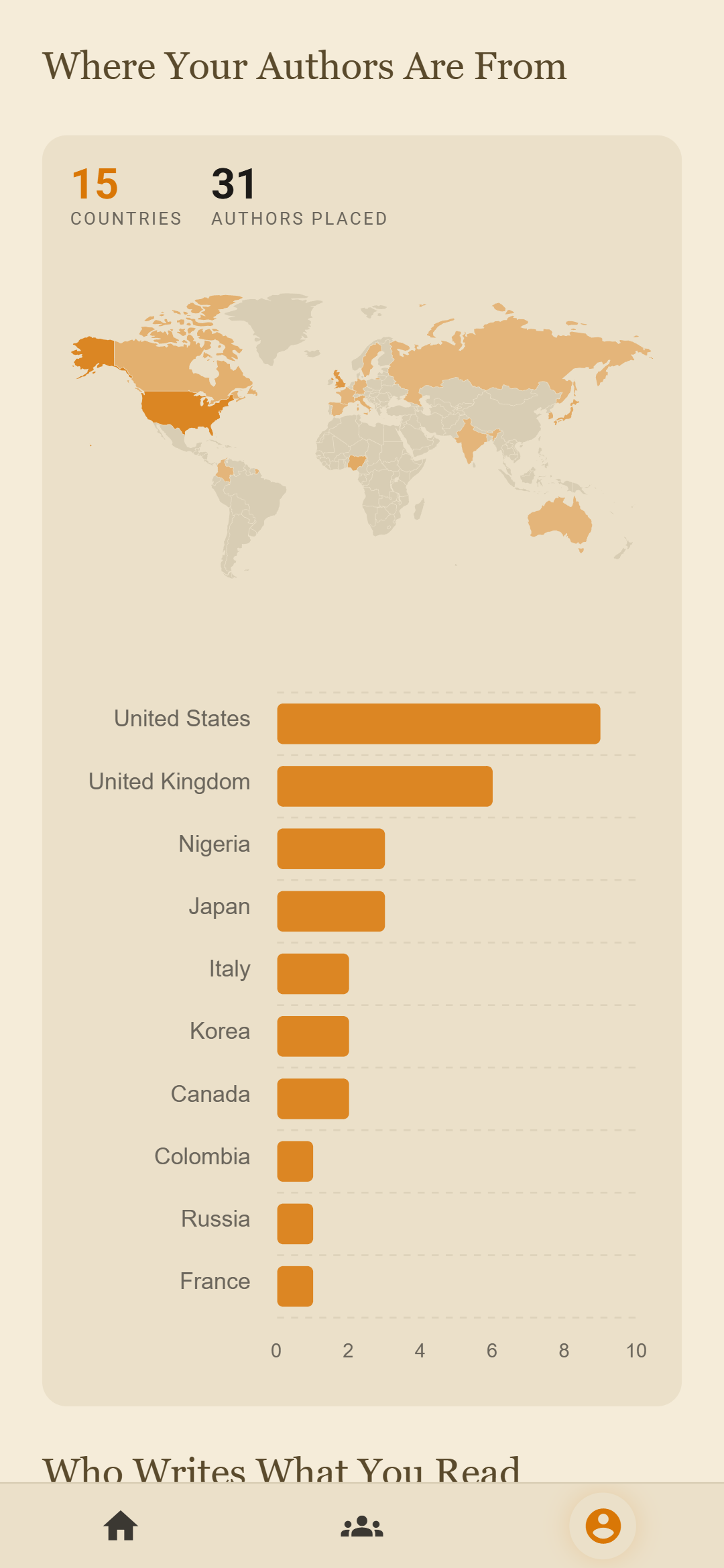
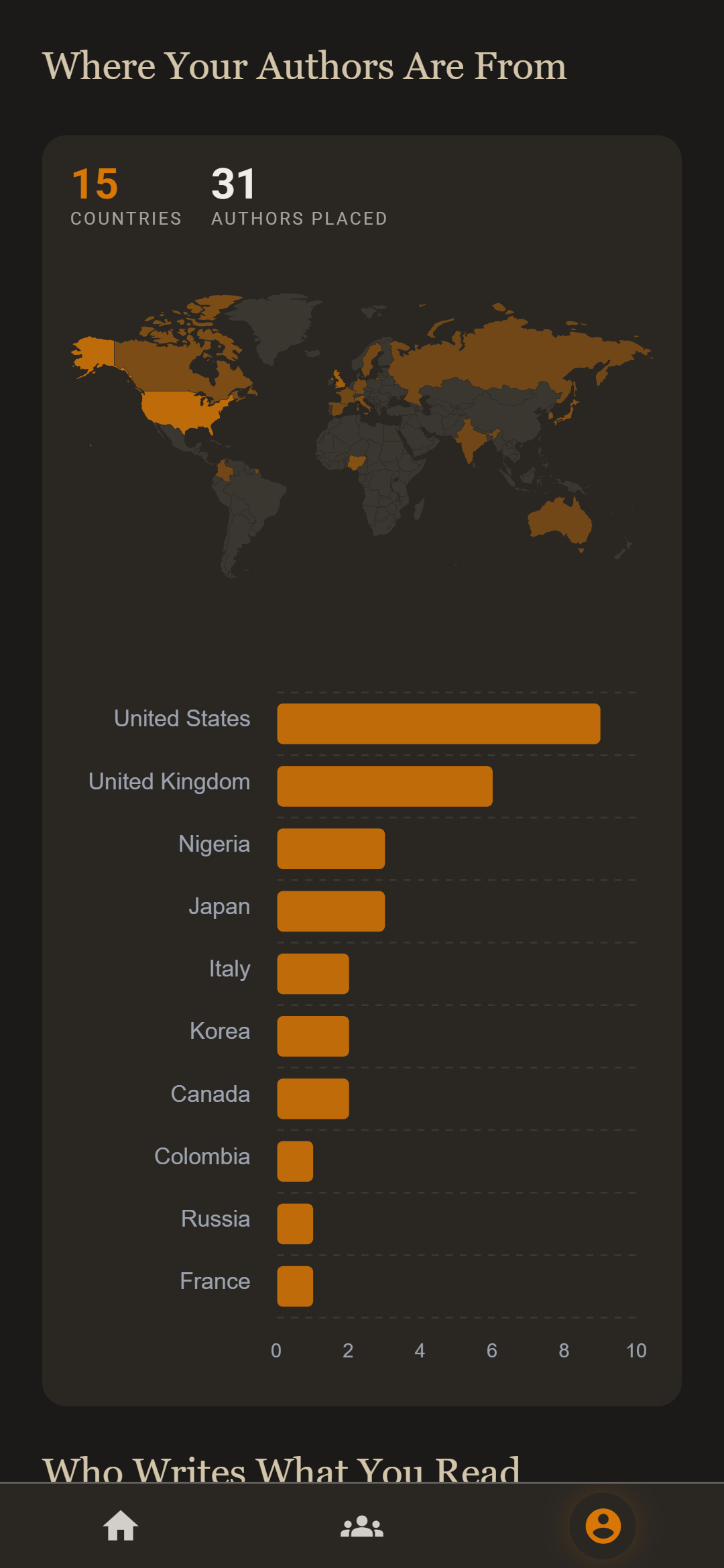
- Where your authors come from: Wikidata puts every author on a map, so you can see how far your reading travels.
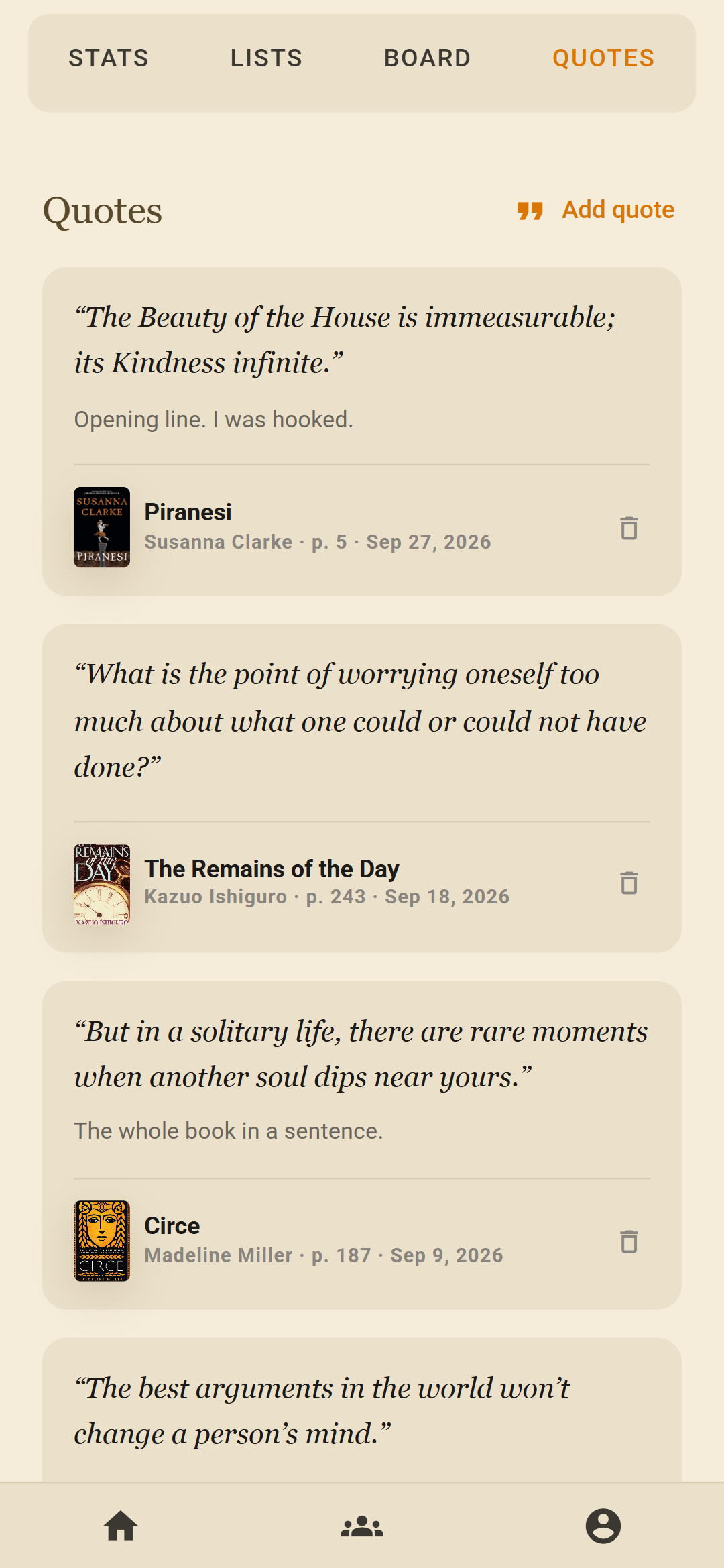
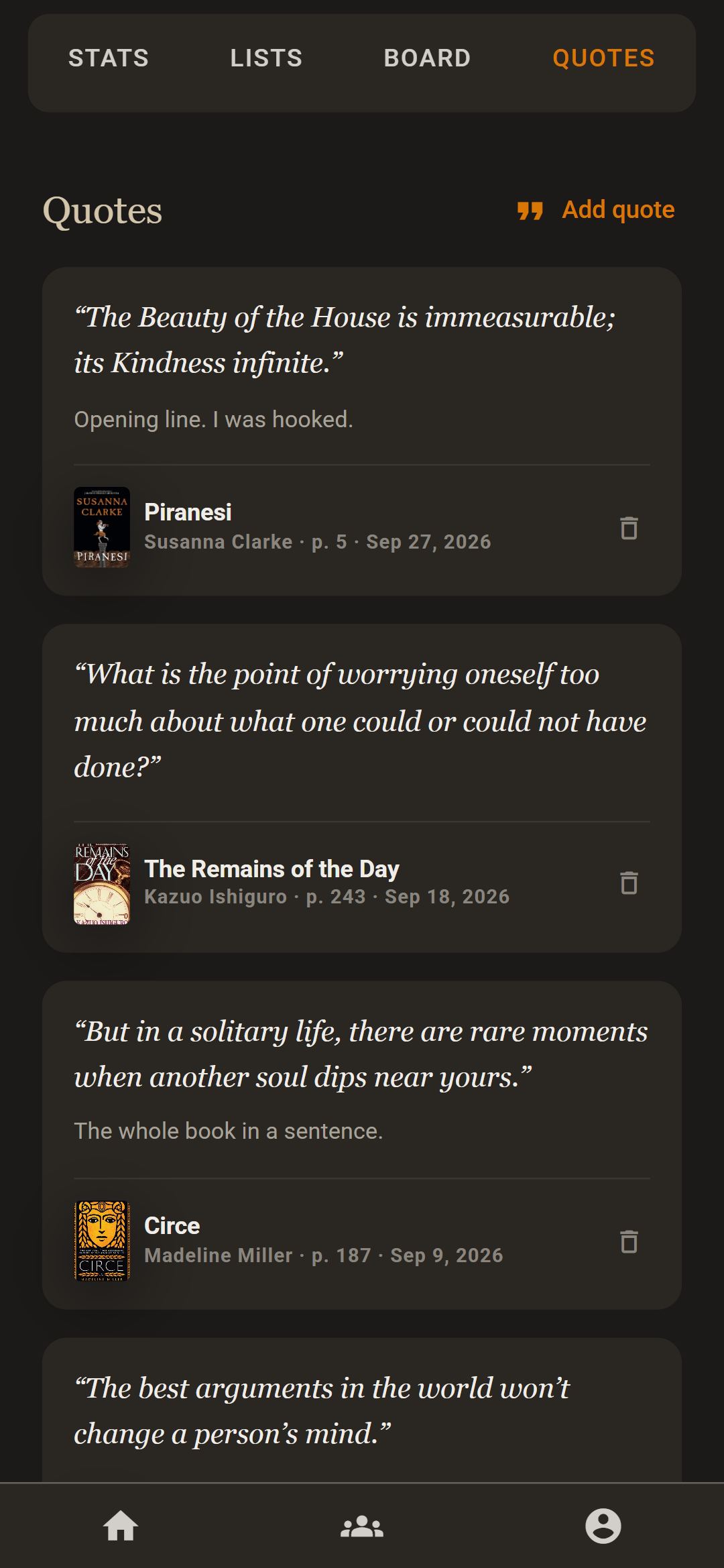
- The lines that stayed with you: save a passage with its page number and a note of your own.
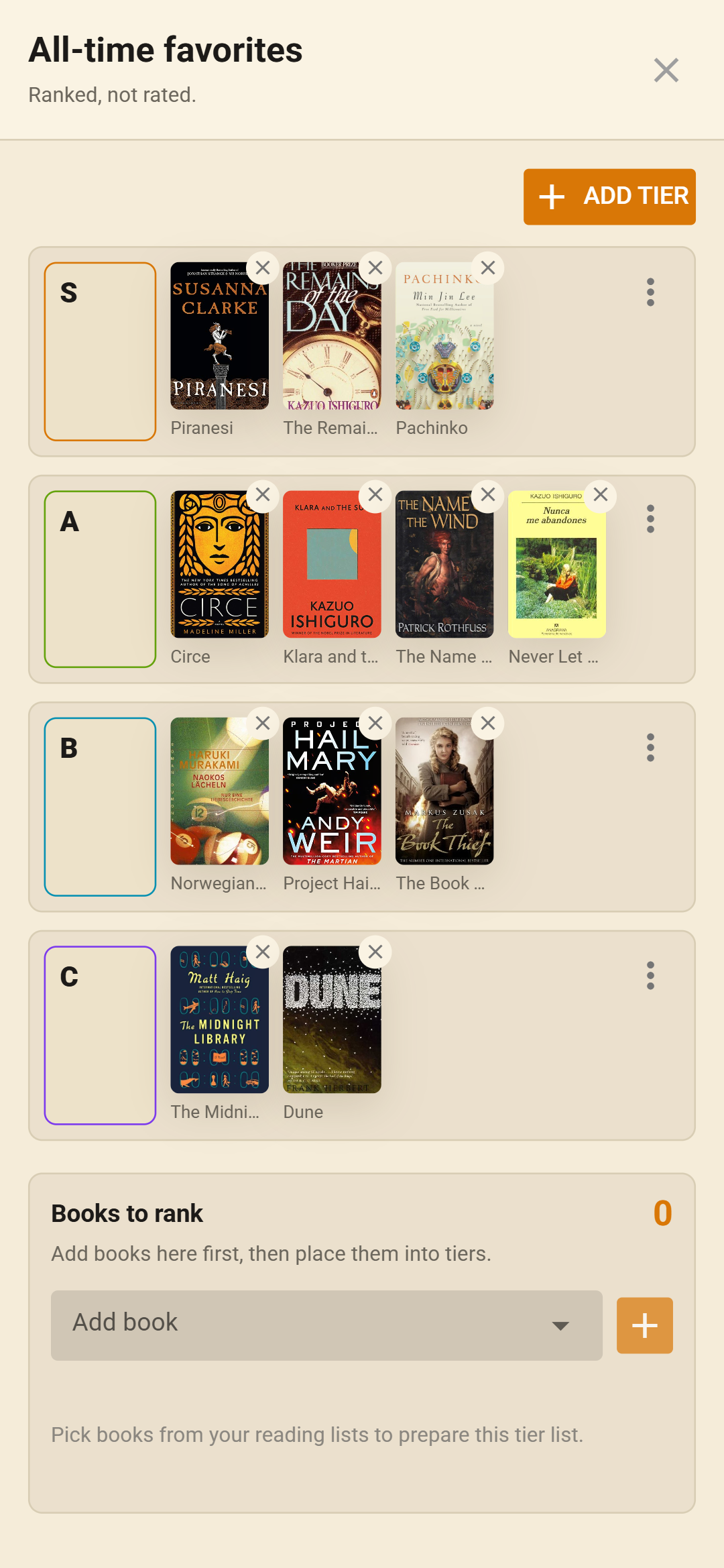
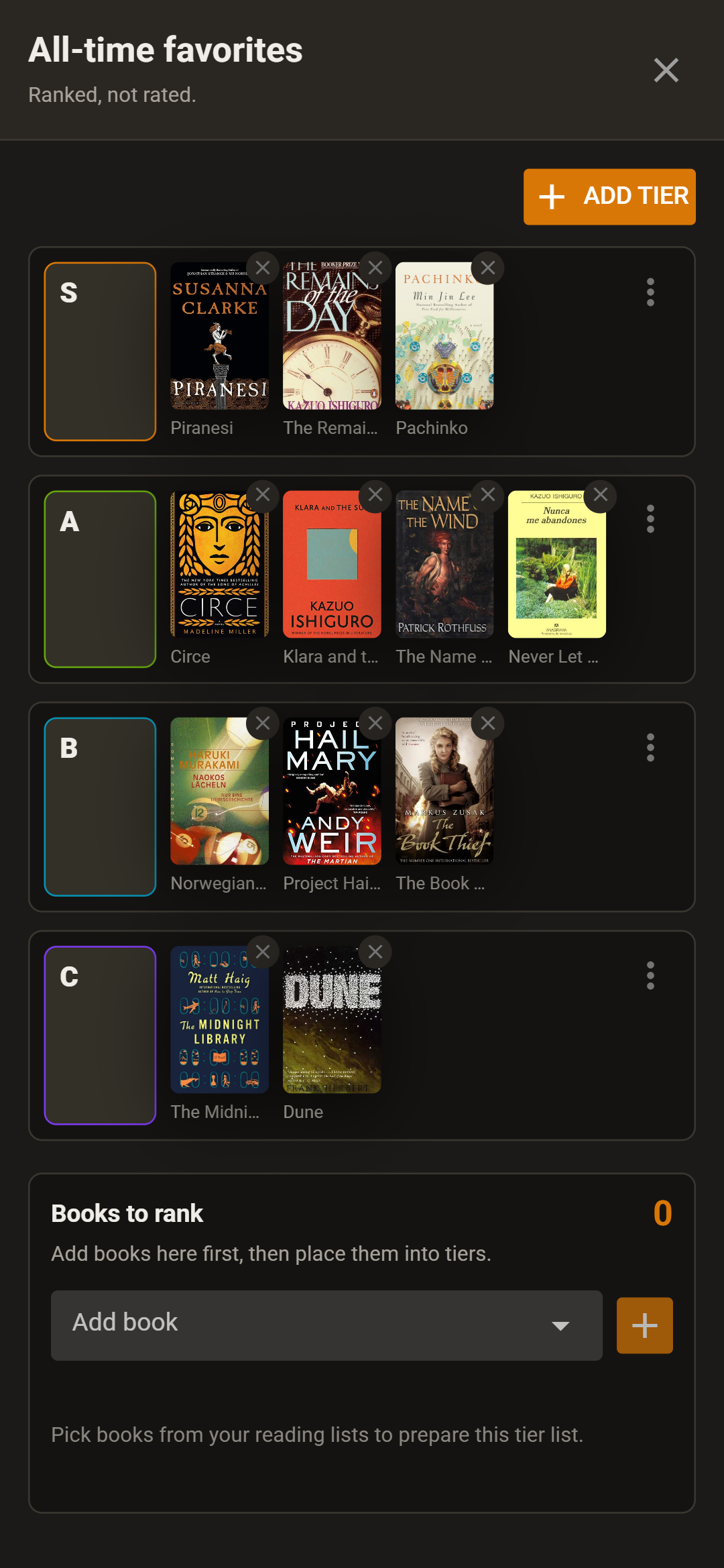
- Everything you've read, ranked: sort books into tiers, from all-time favorites down.
- Race your friends to a page count, or share a goal and see who's on track.
- Your accent, your background: pick any color, and put the cover you're reading behind your home screen.
The screens in this book come from the app itself, filled with sample readers and their books.
Log a book, then log where you stopped.
Search by title, author or ISBN, pick the edition you own, and put it on a list: currently reading, read, or one you make yourself. After a sitting, note the page you reached. Starting halfway through? Set the page you started from.
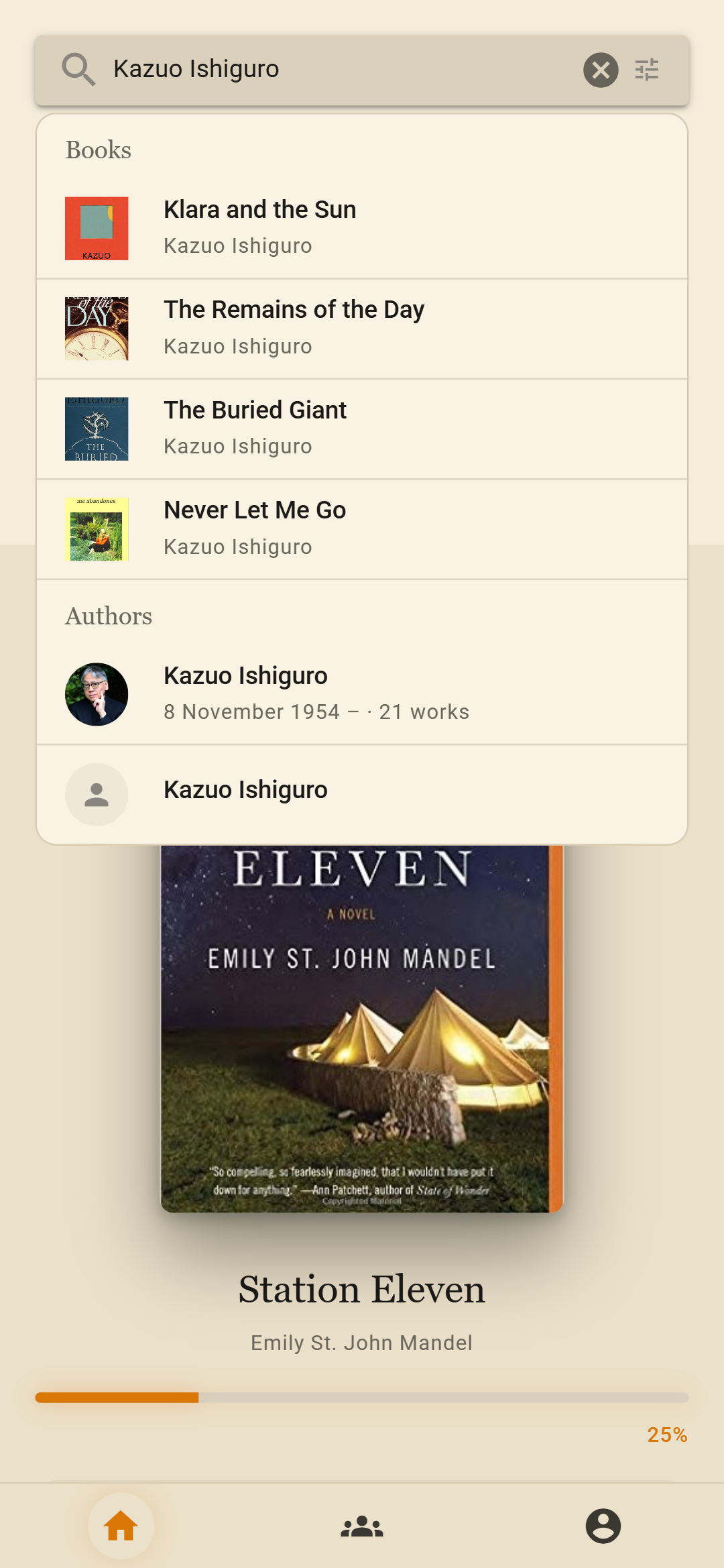
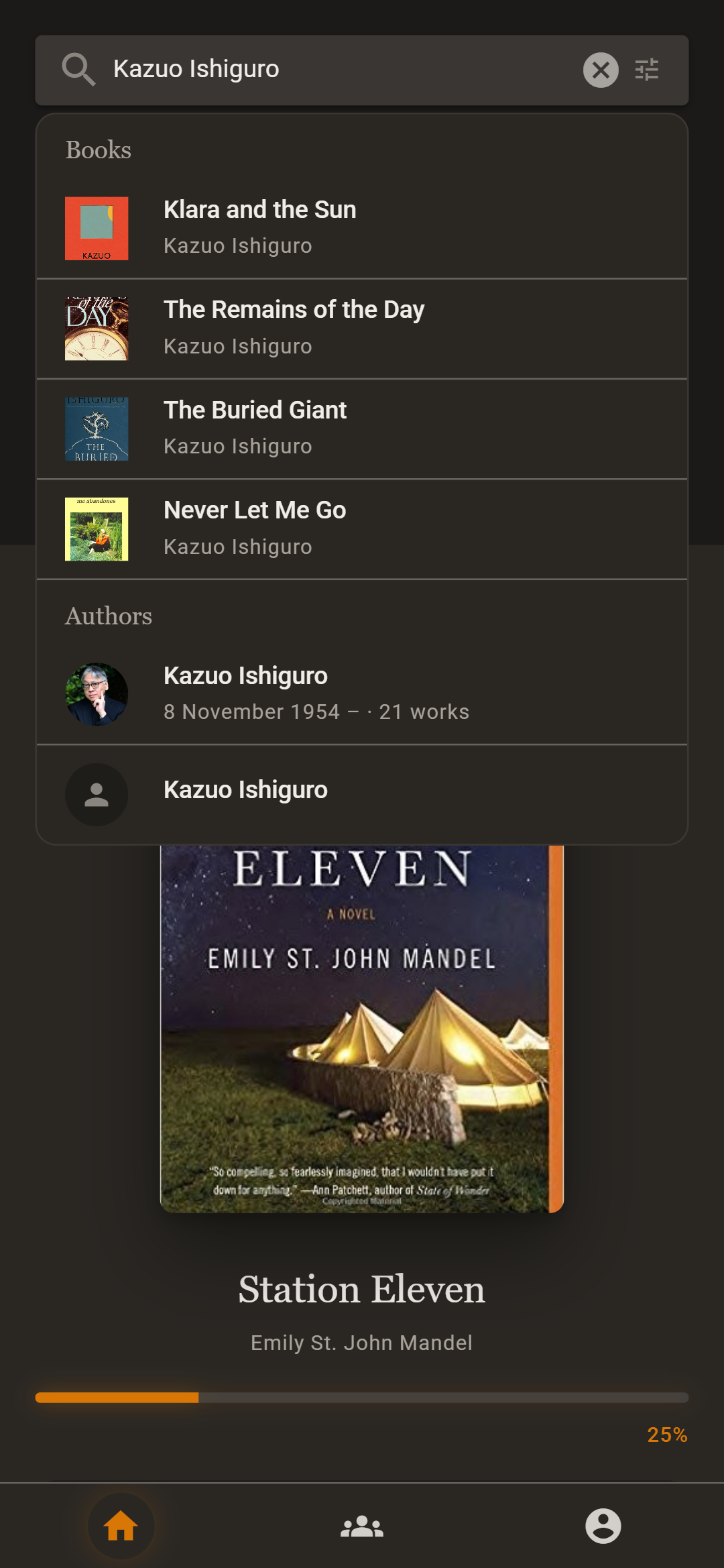
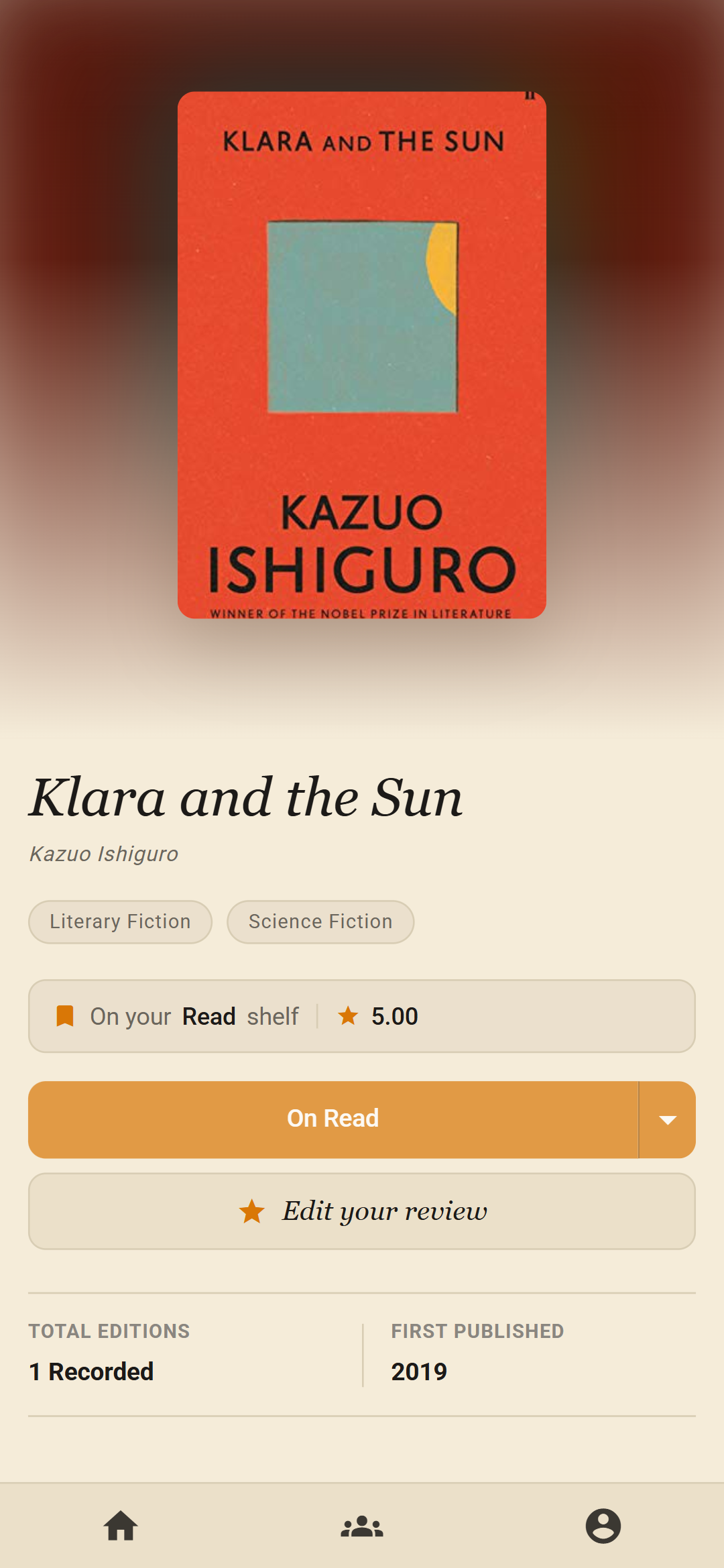
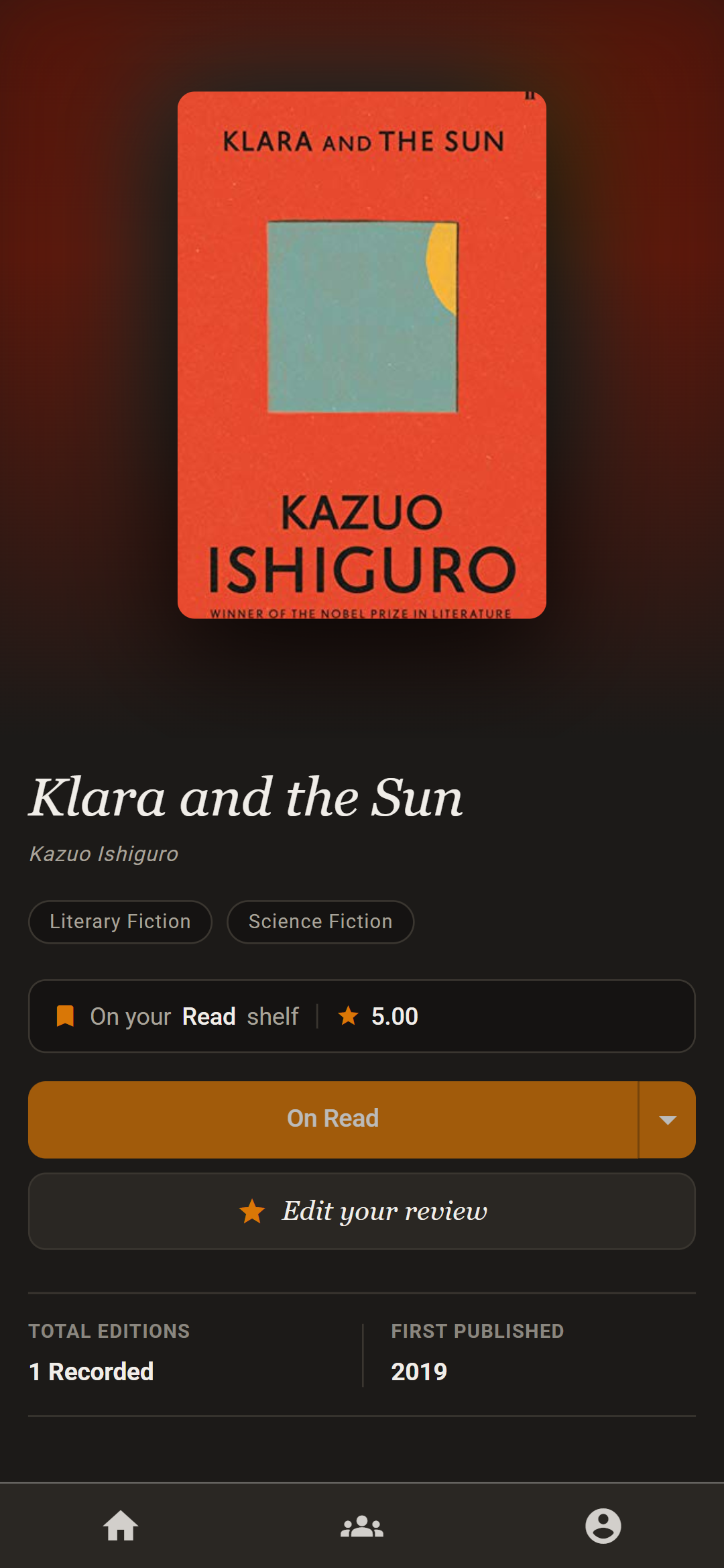
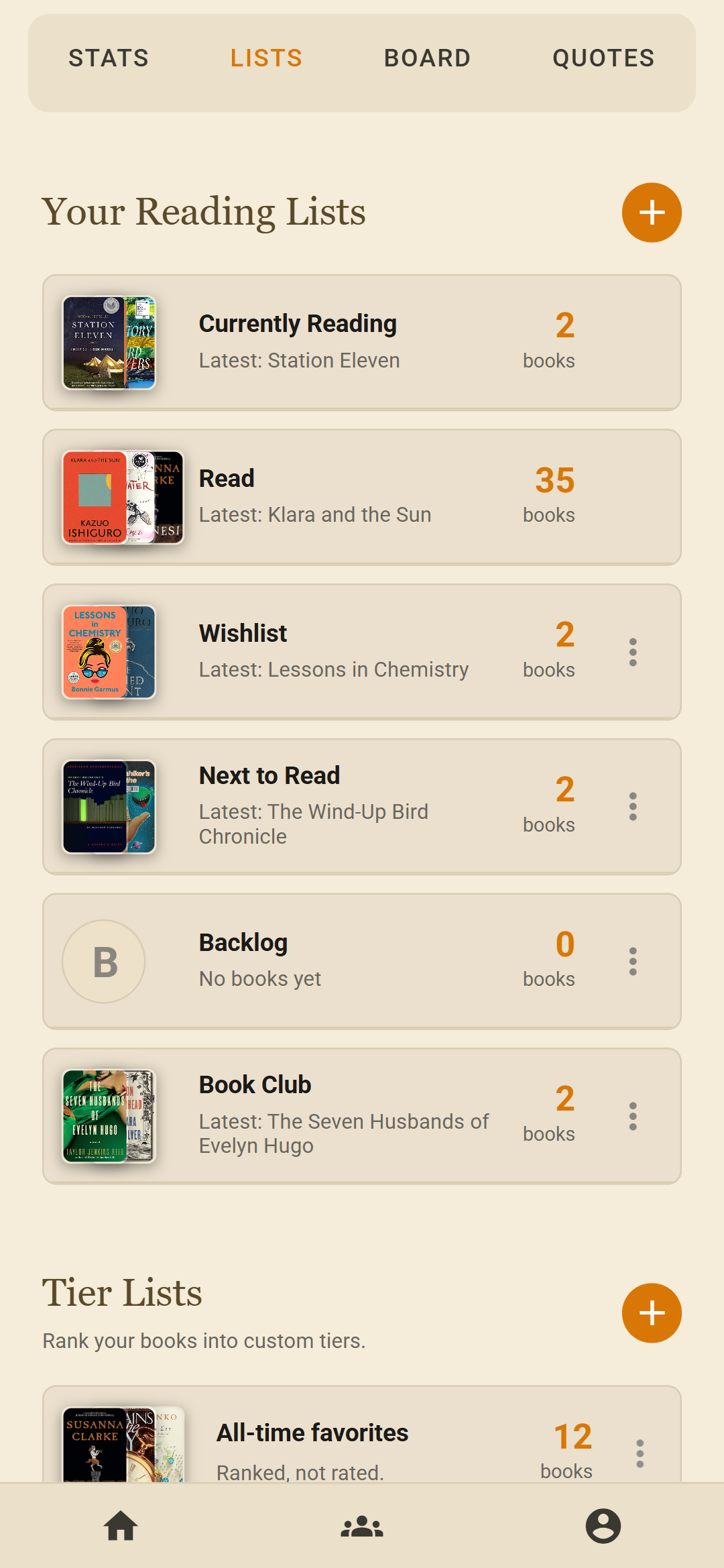
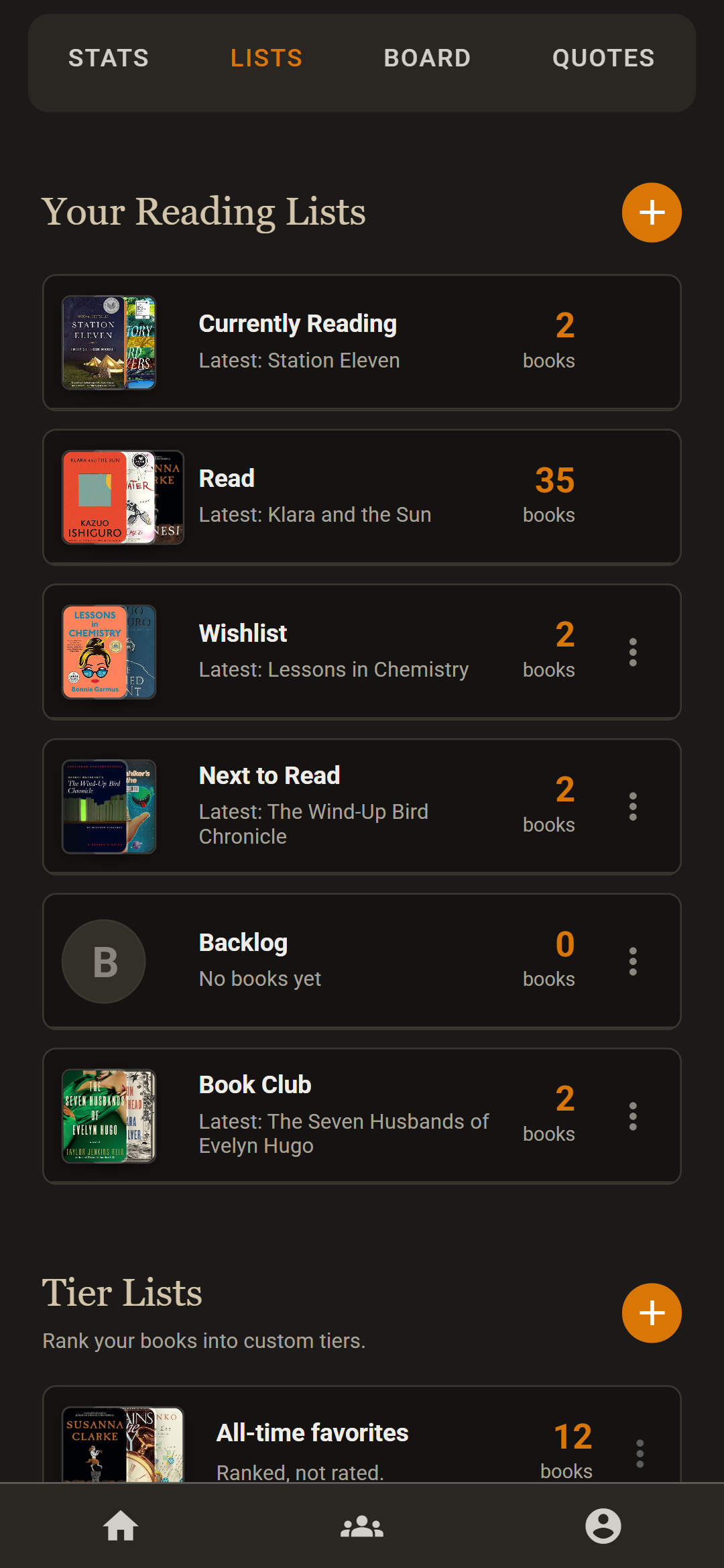
Every session you log turns into something you can look at.
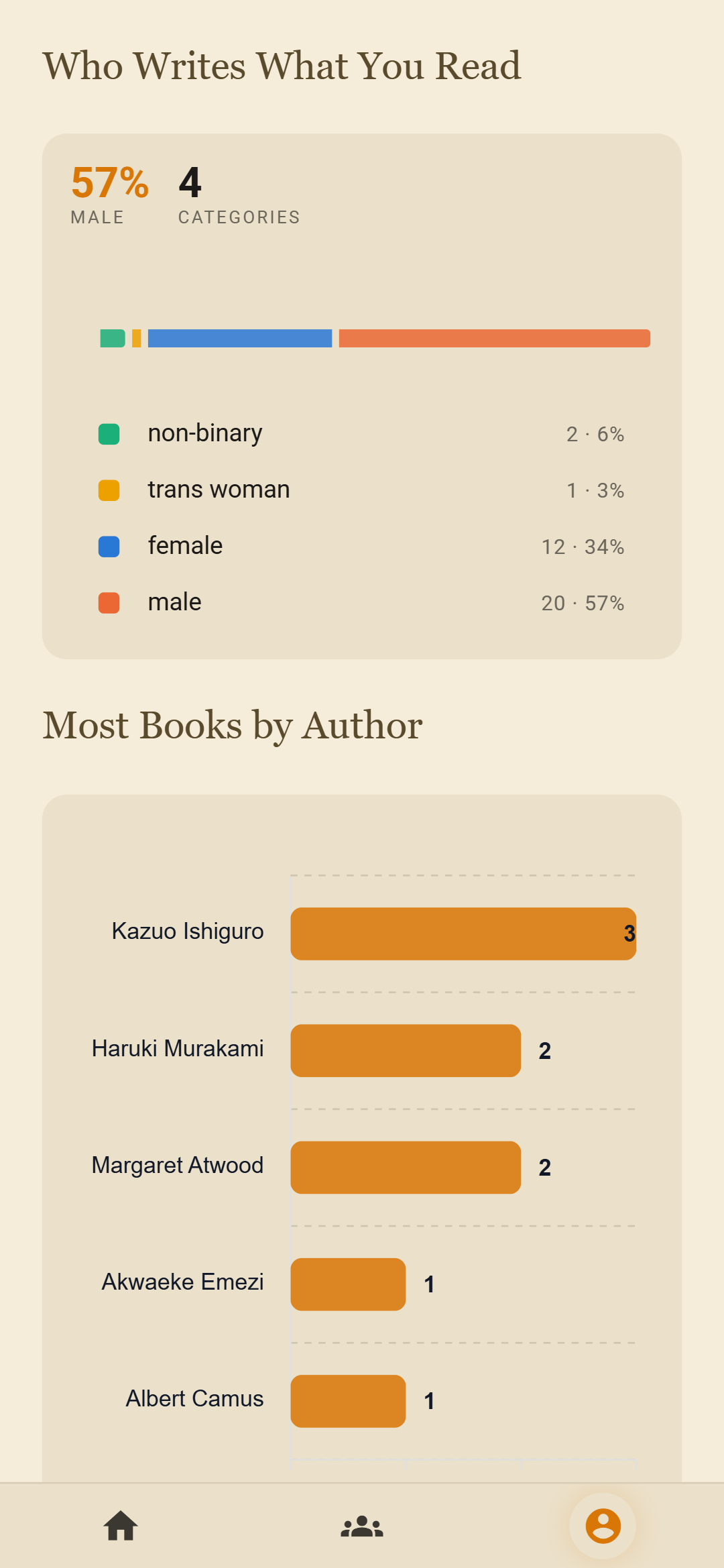
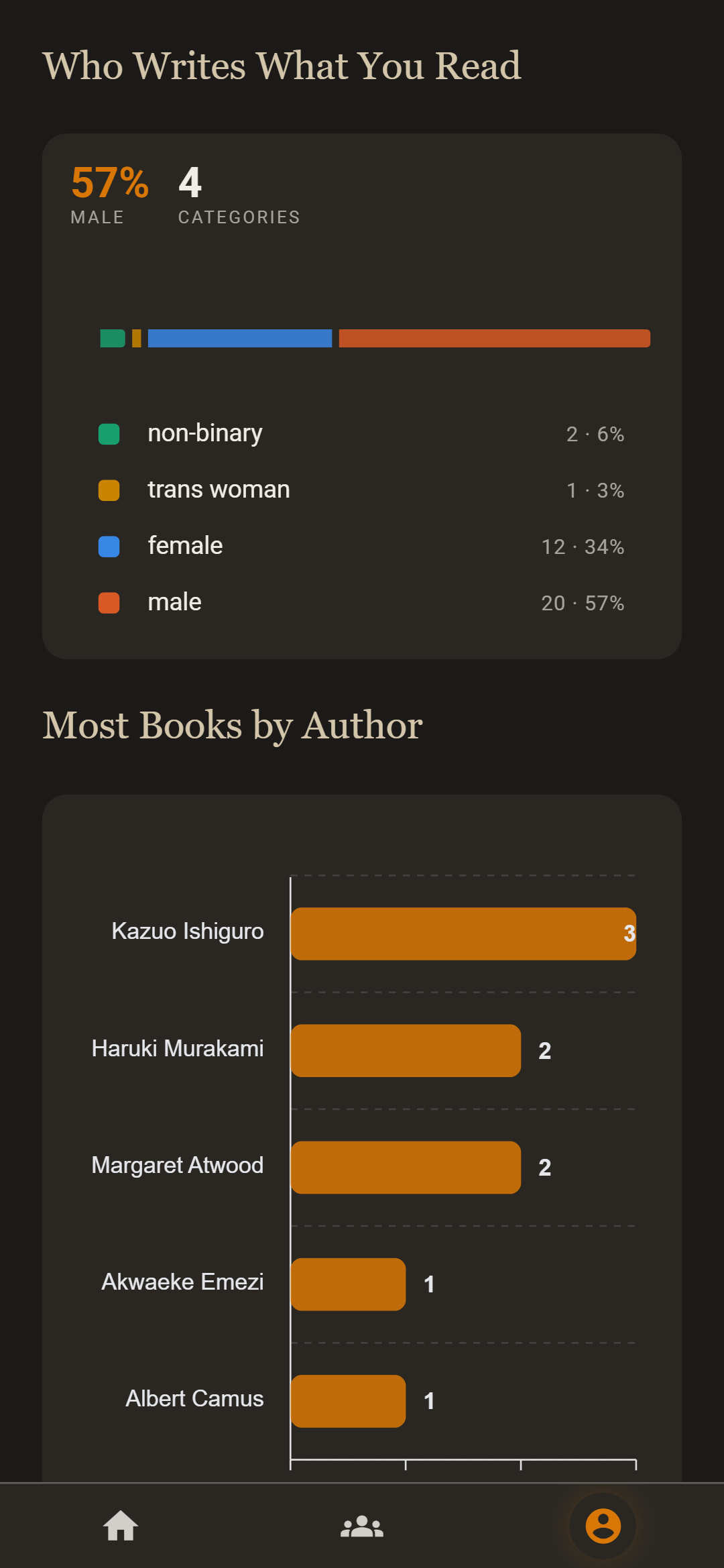
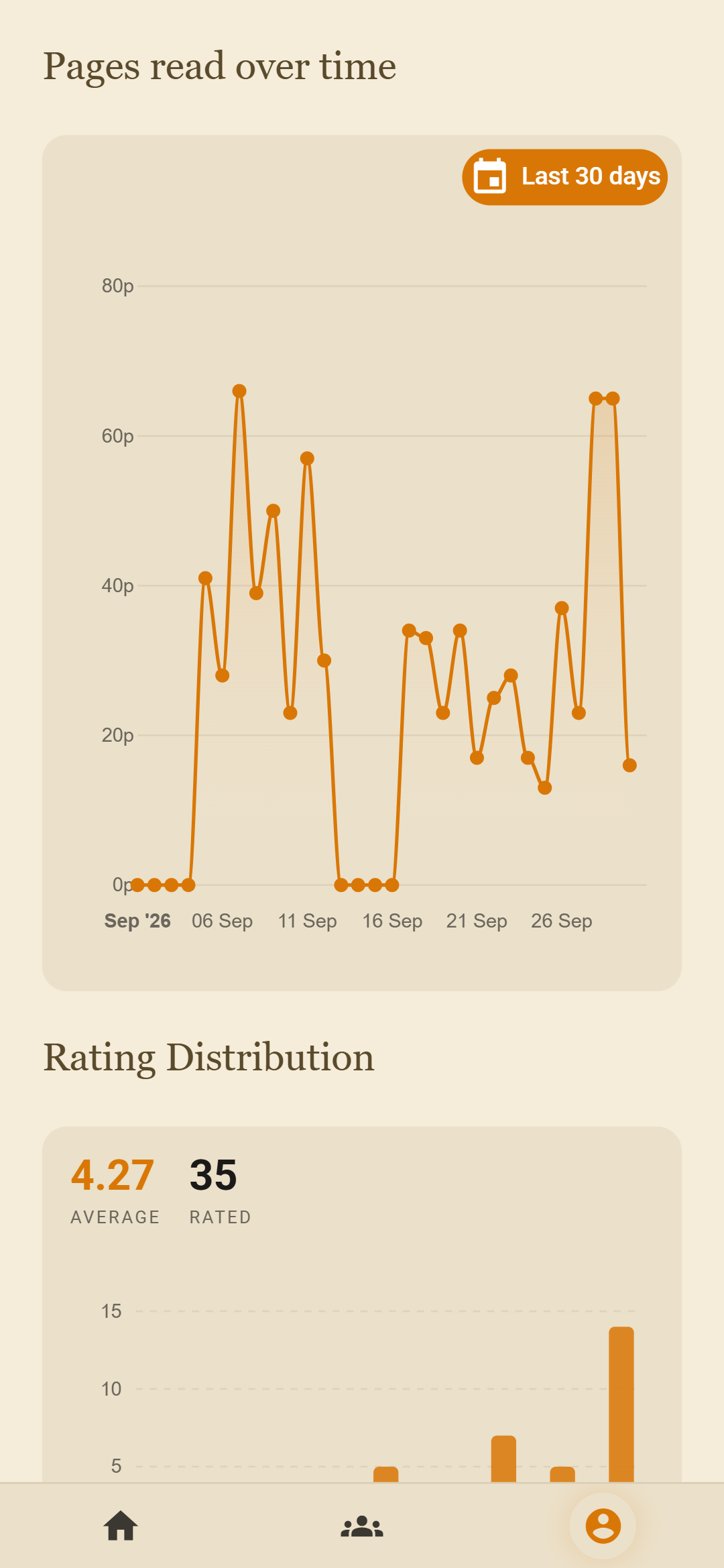
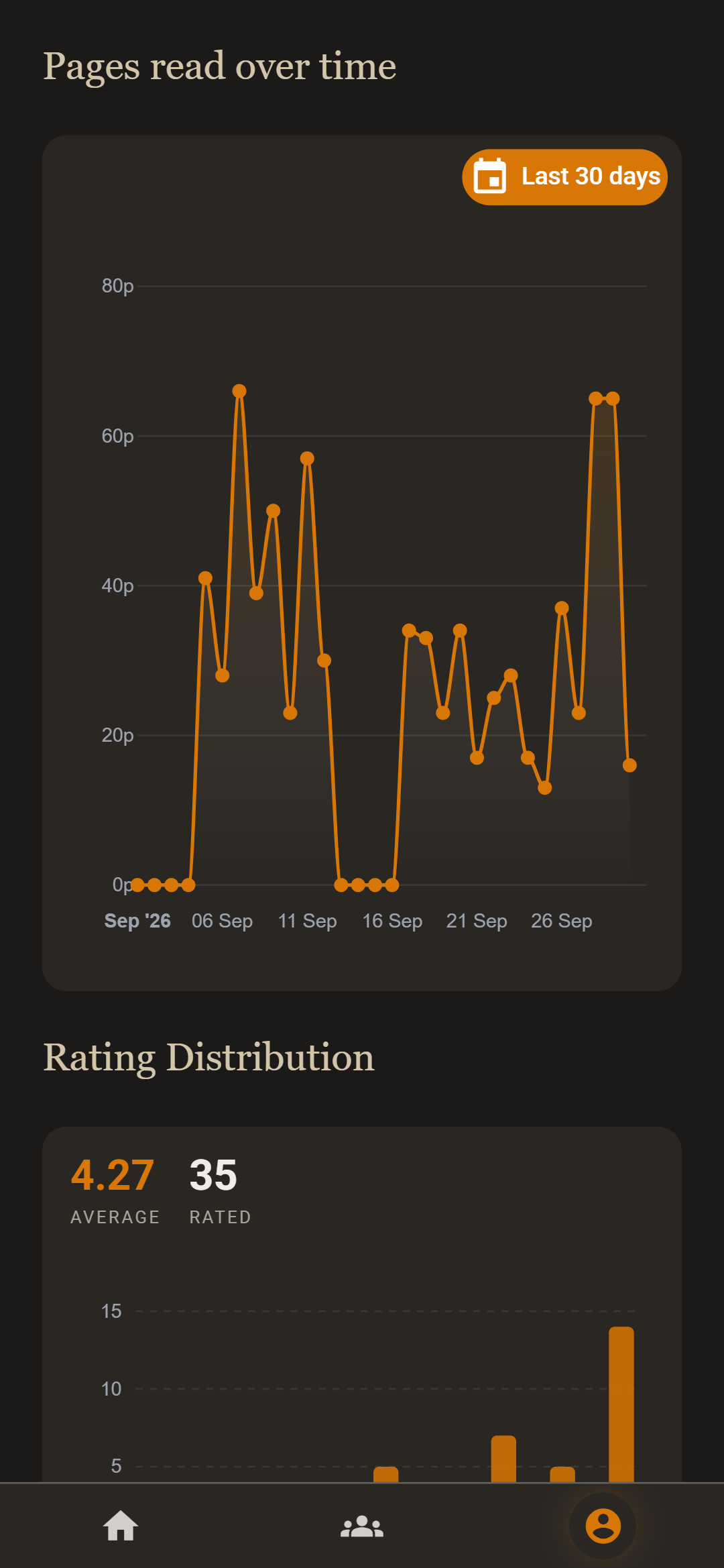
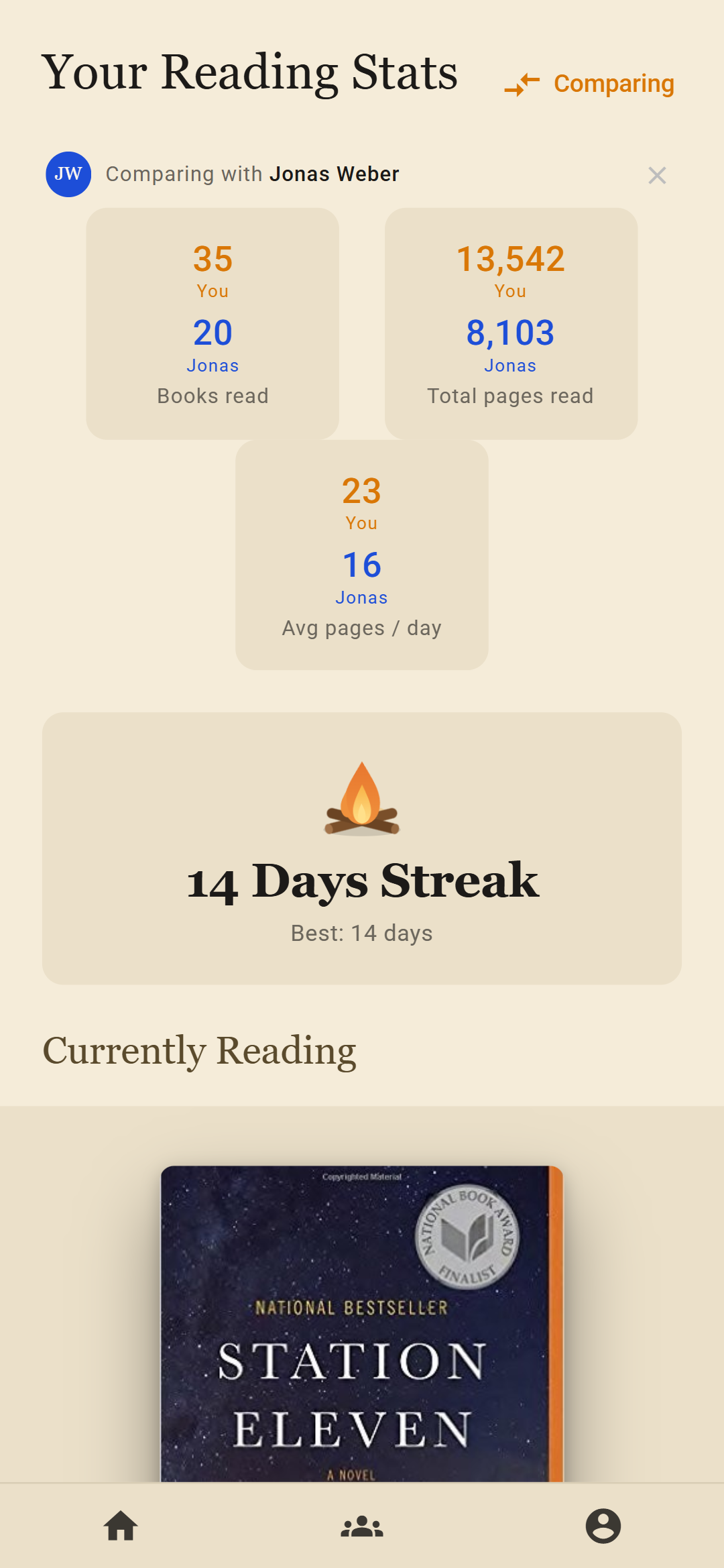
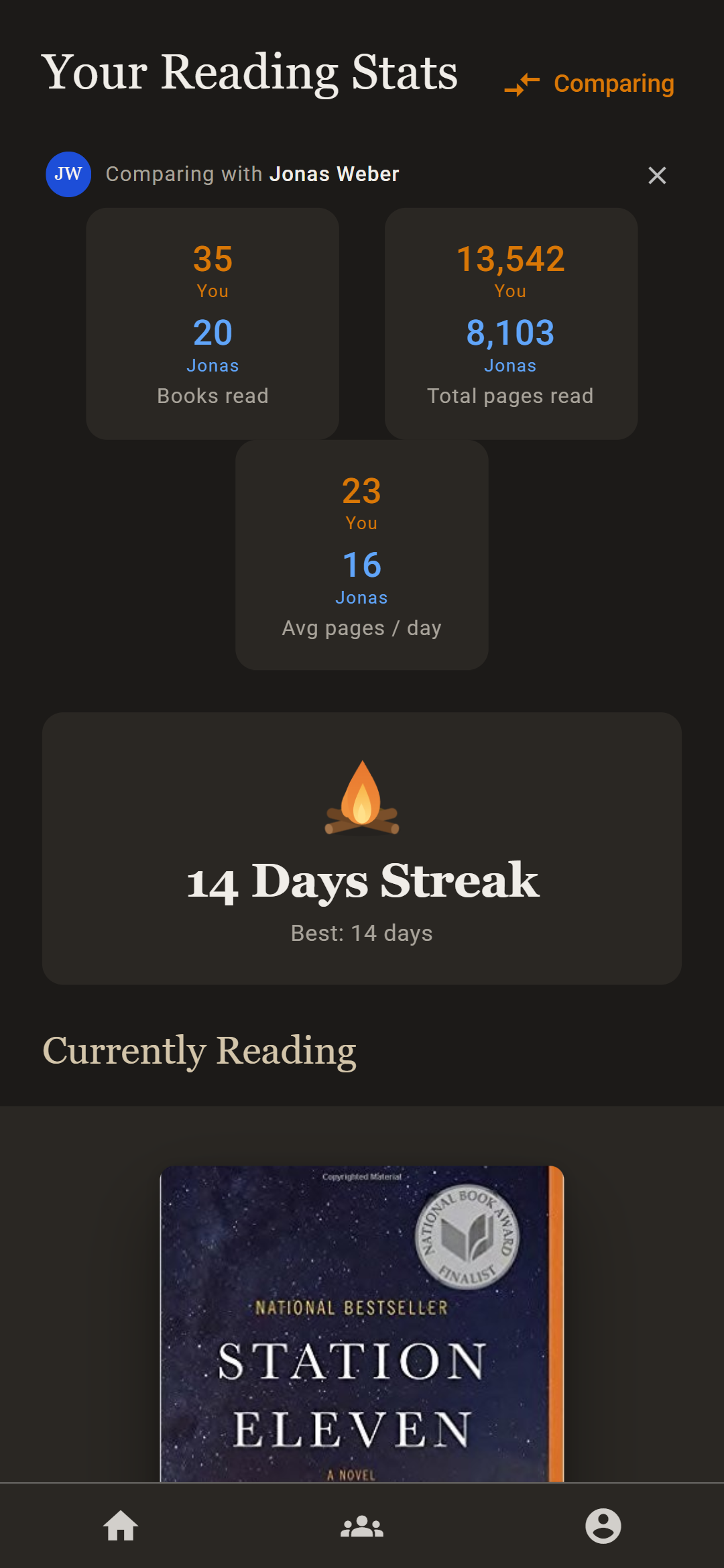
A calendar of the books you finished, pages read over time, how you rate, which genres you return to, and your longest and fastest reads. Wikidata fills in where your authors come from and who they are. Compare any of it with a friend.
Keep the passage, the page, and what you thought of it.
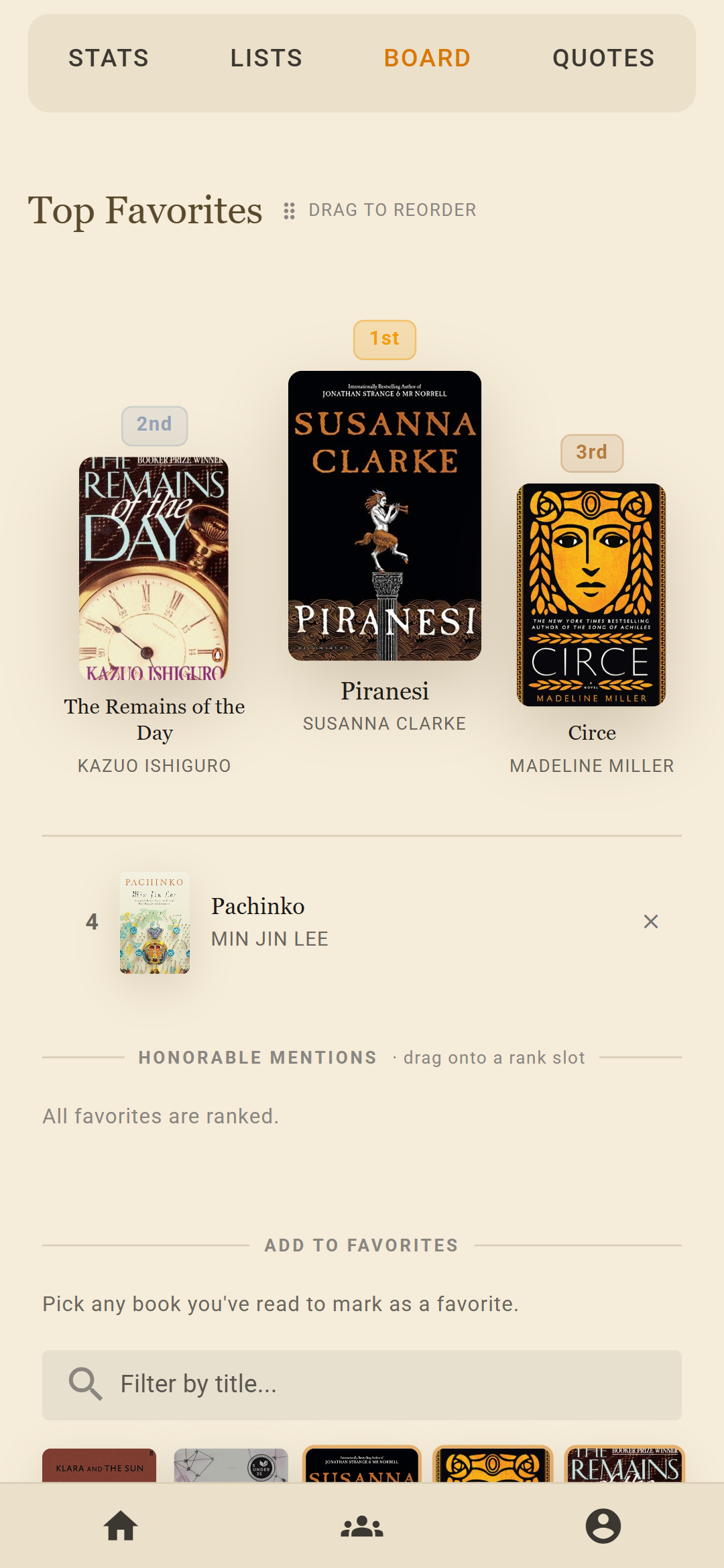
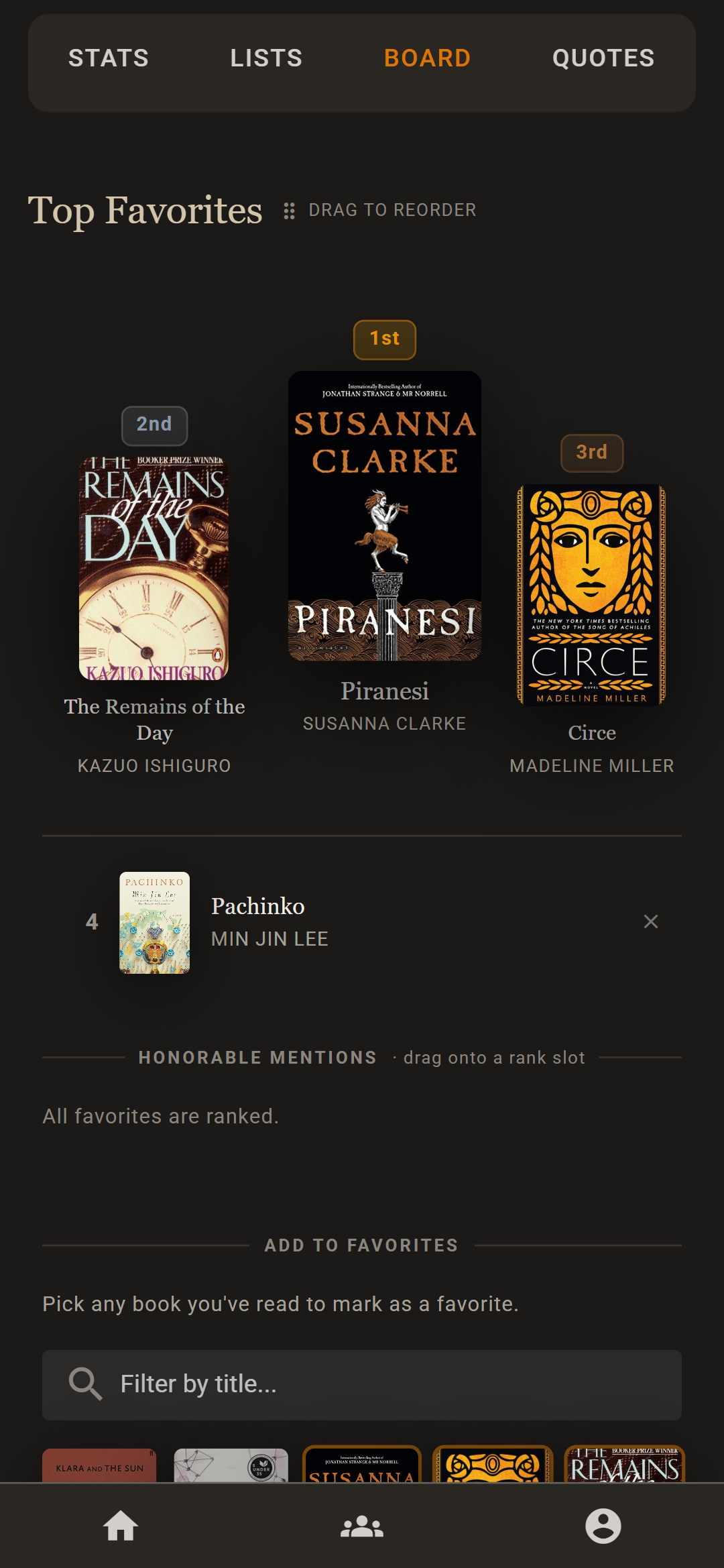
Save the lines that stayed with you, with the page number and a note of your own. Rank your books into tier lists, and put your favorites in order.
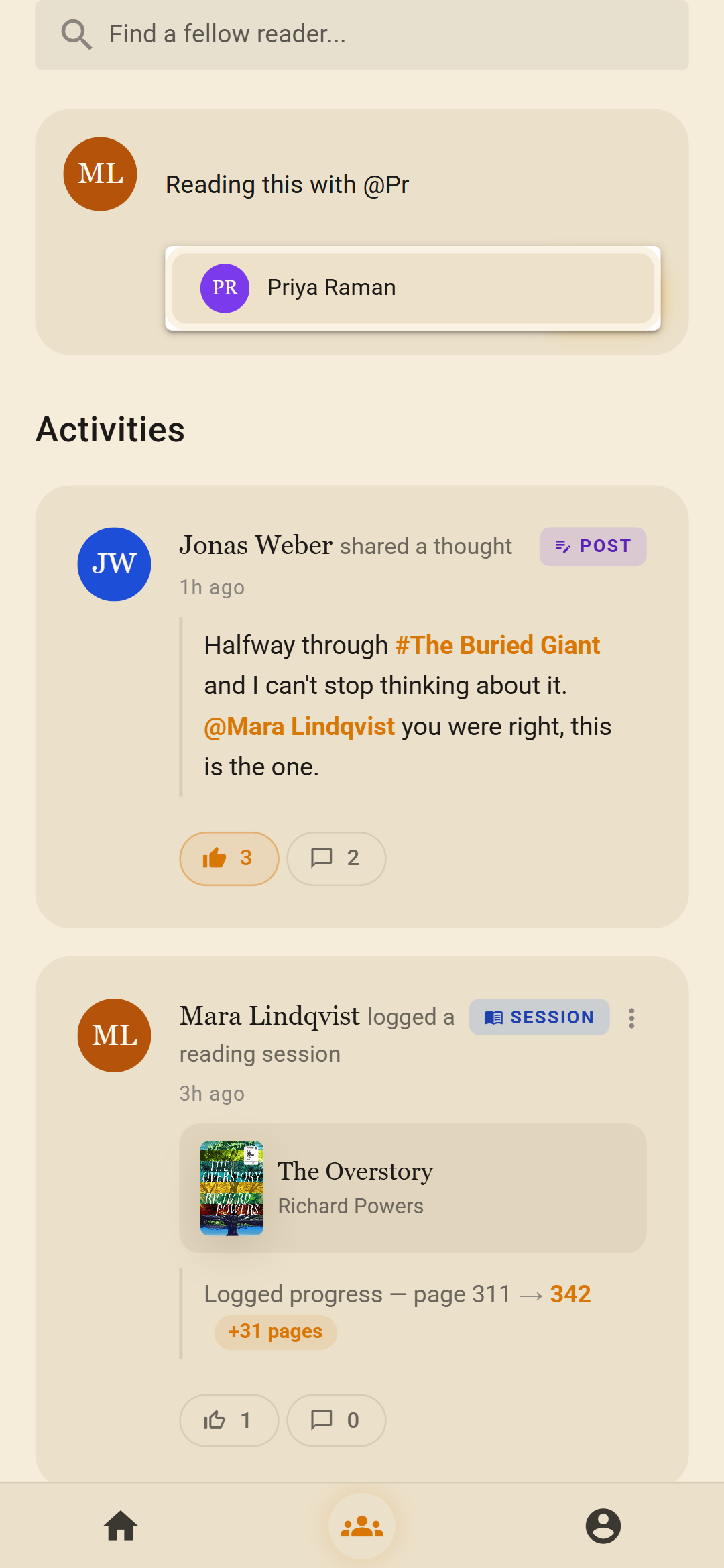
Follow the people whose taste you trust.
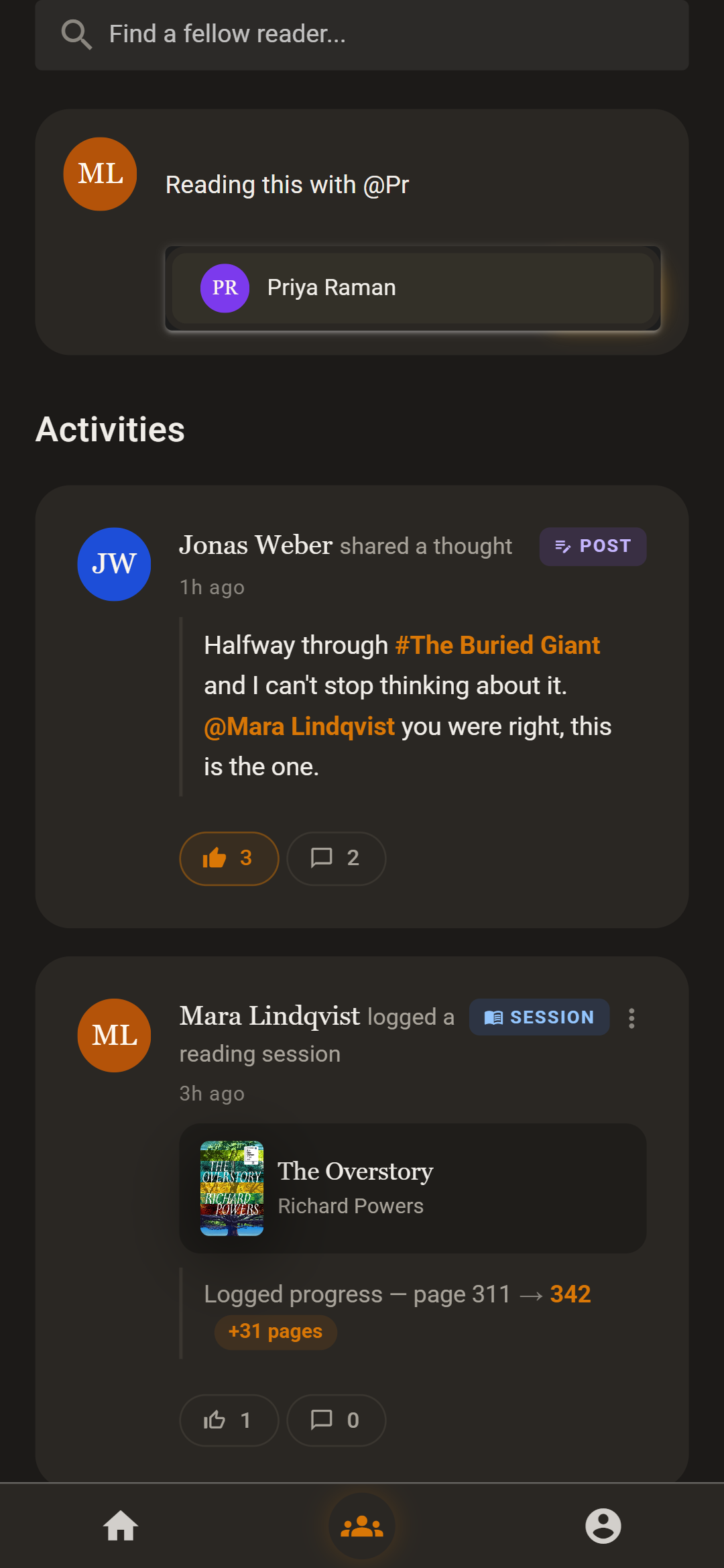
What they finish, log and quote shows up in a calm feed, with likes and comments. Mention a book or a friend in a post. Start a challenge to race each other to a page count, or share a goal.
Following needs the other person's consent, and notifications only tell you what you asked to hear.
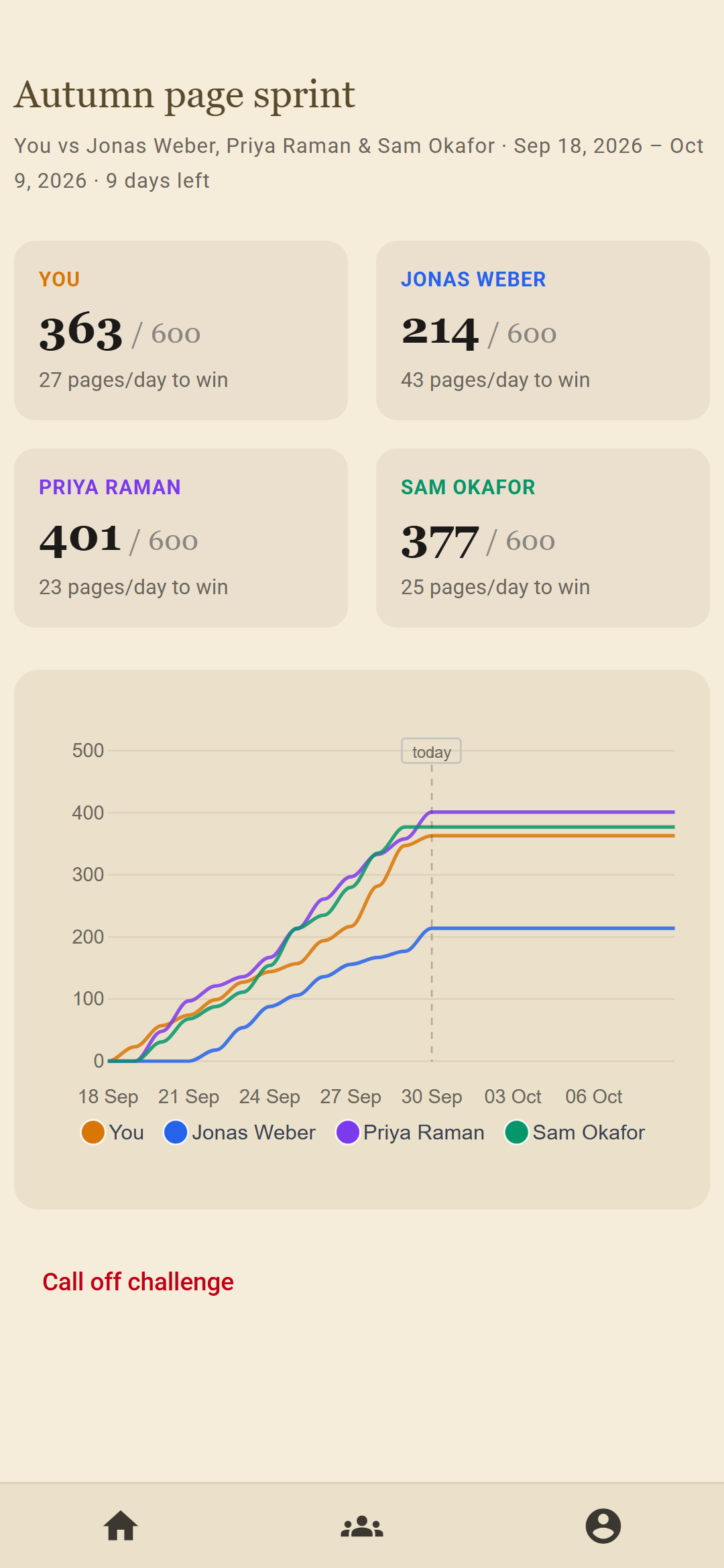
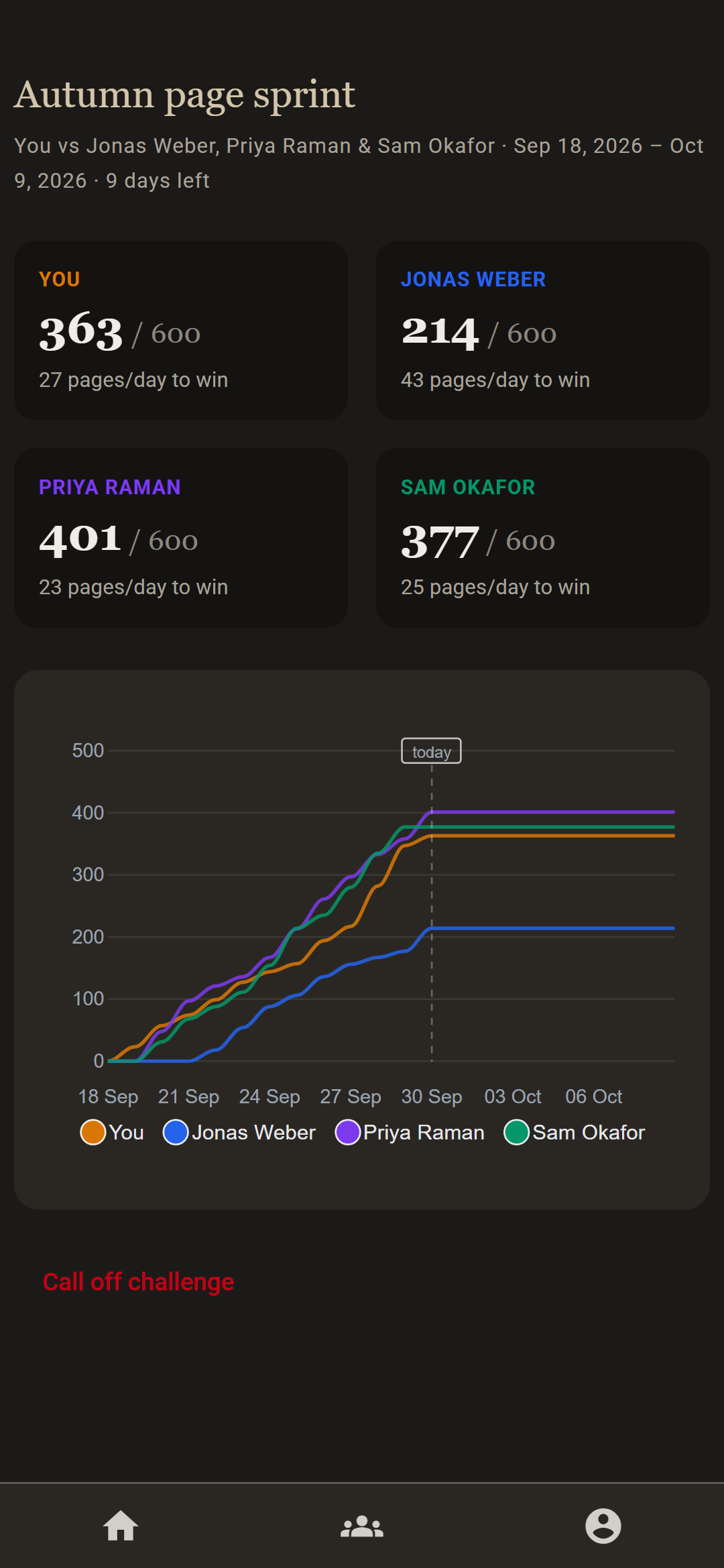
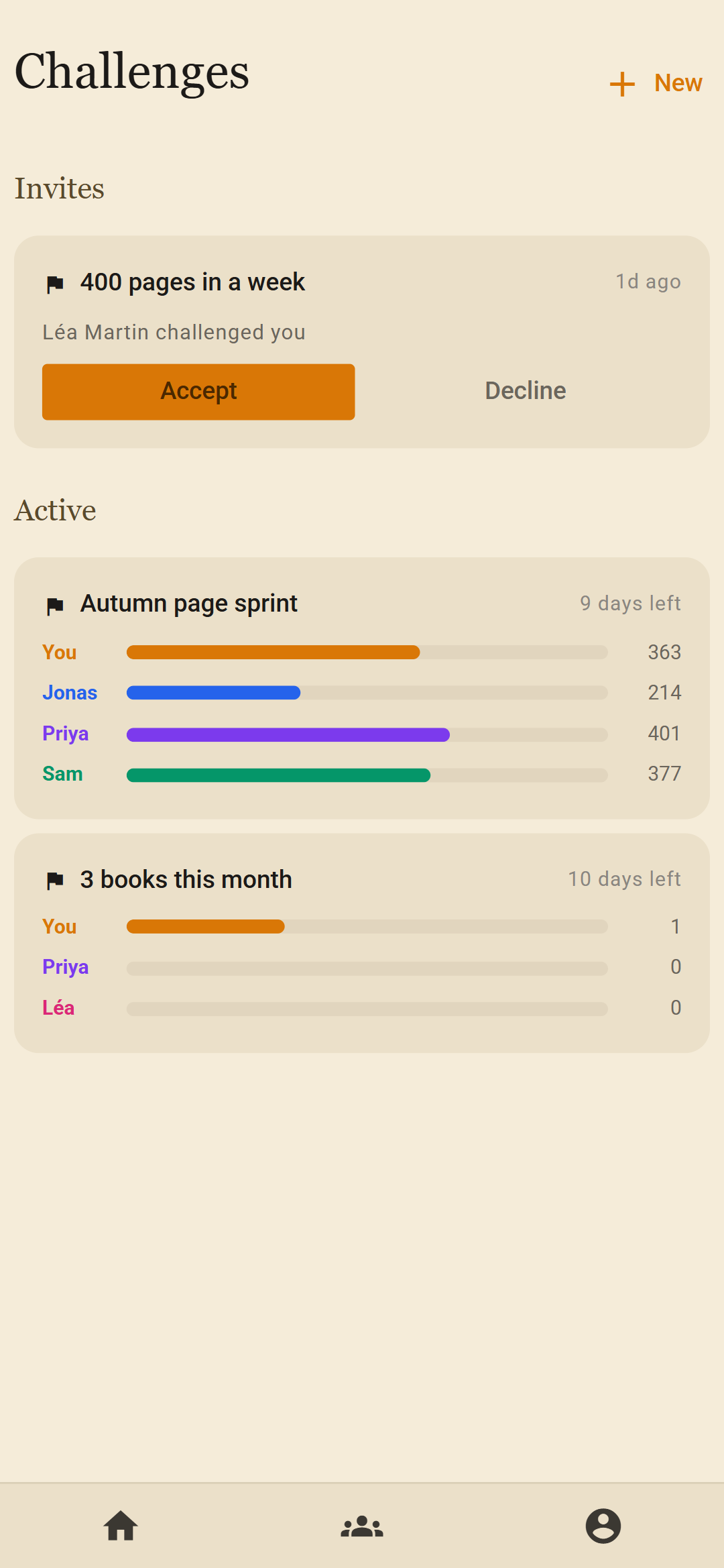
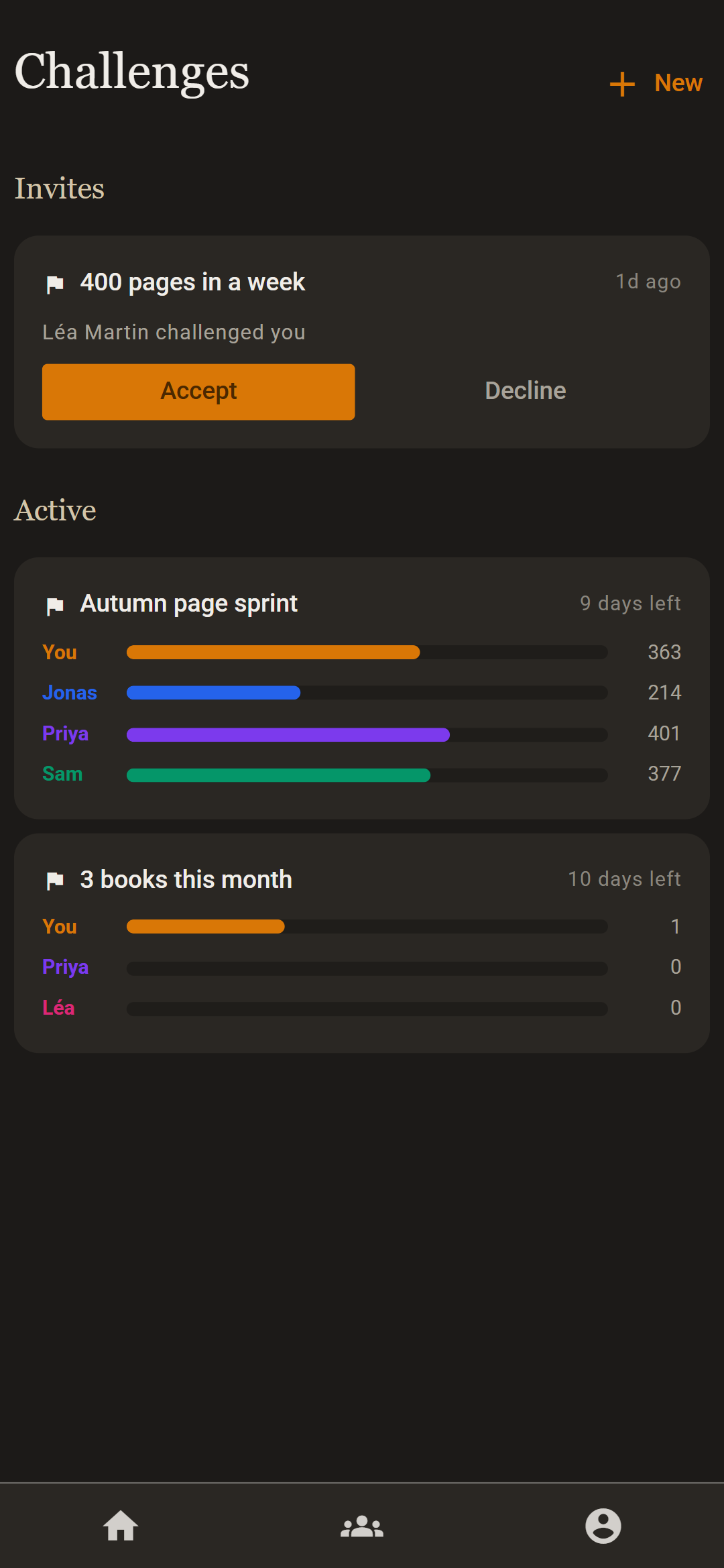
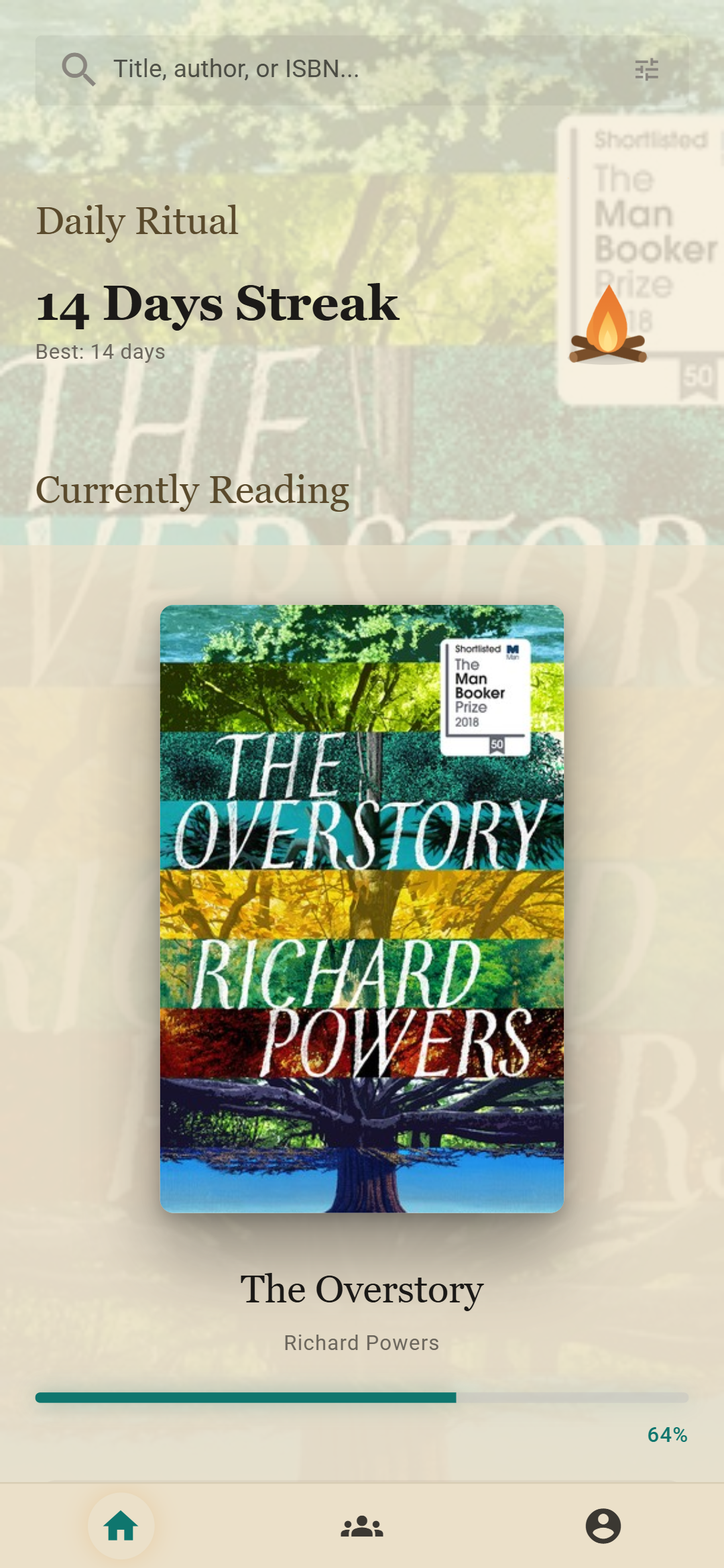
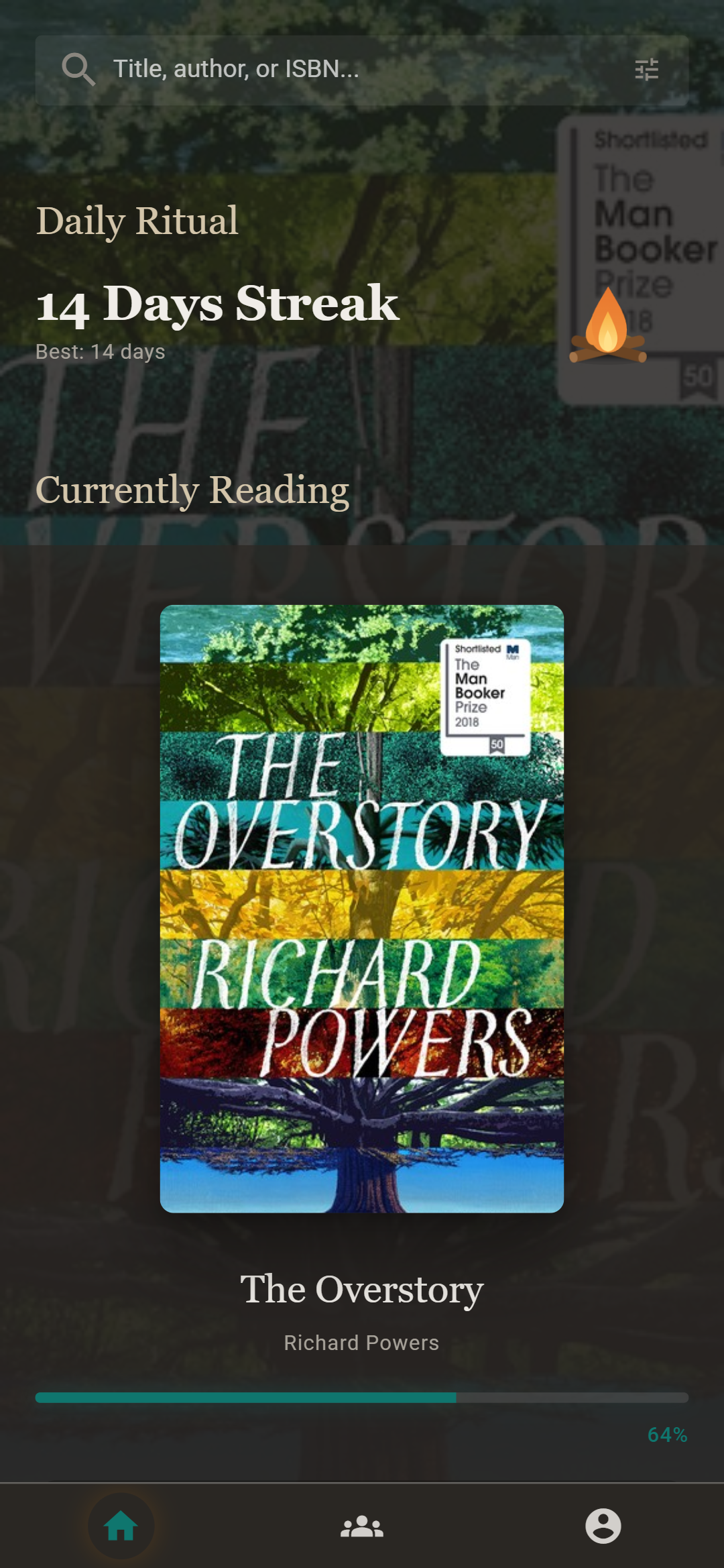
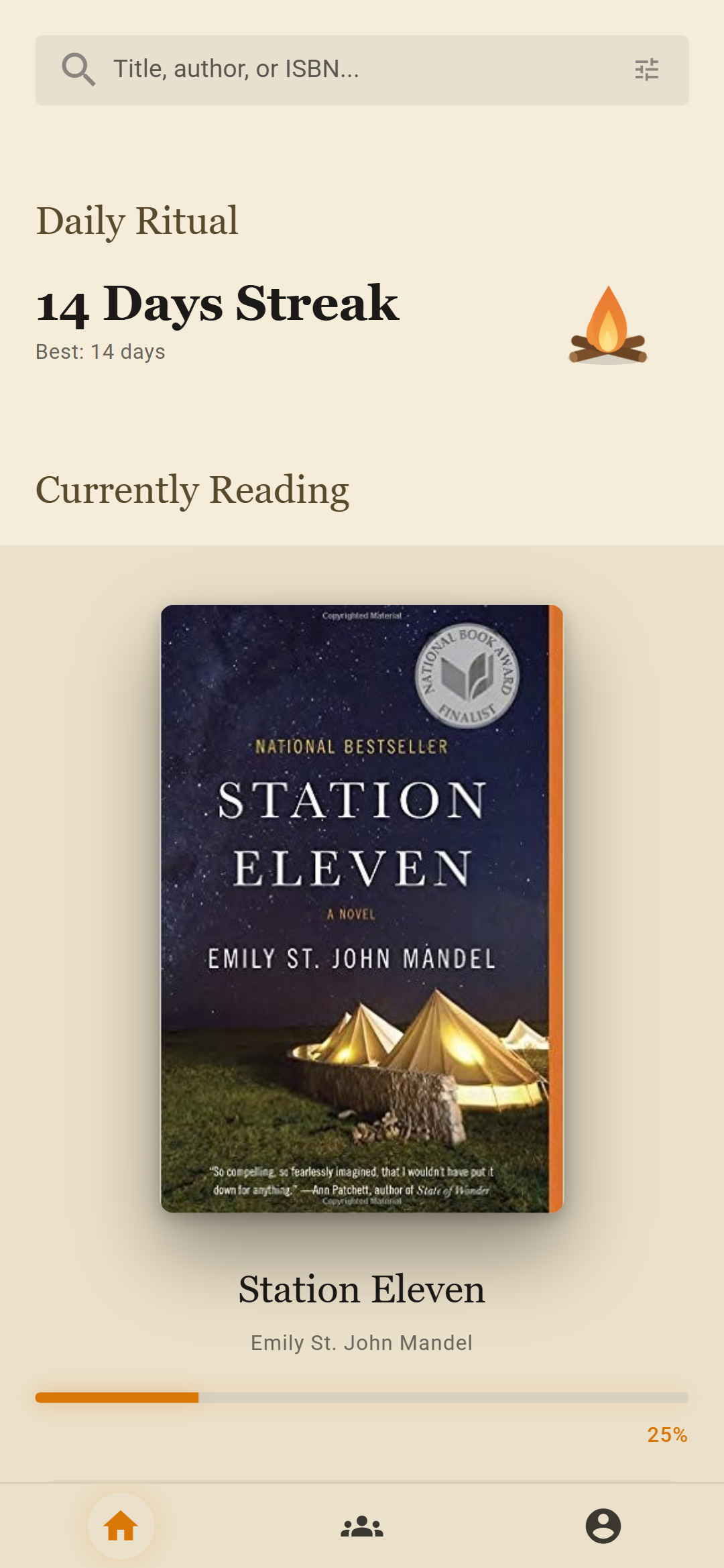
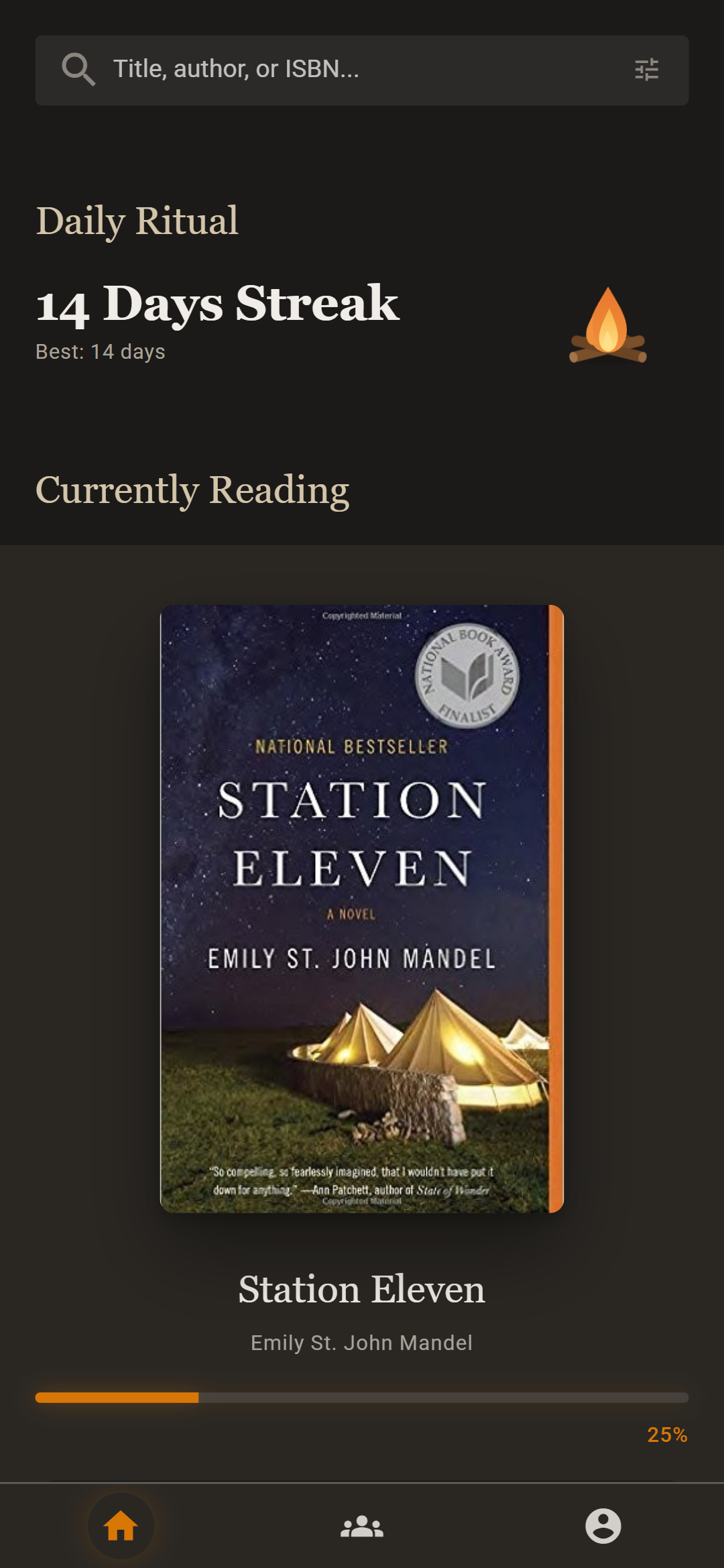
Choose an accent color and a background, in light or dark.
Any color you like runs through your library. The home screen can show a photo, any book cover, or whatever you're reading right now. Both themes are warm: cream paper in the light, soft ink after dark.
Bring your Goodreads library with you.
Export your library from Goodreads as a CSV file and import it in one step. Your lists, ratings and read dates come along.
Start with the book you're reading now.
readme runs in your browser, on your phone or your computer. Sign up with an email address.
Open the web app